
How to Extend No-Code Builders With Developer-Friendly Features

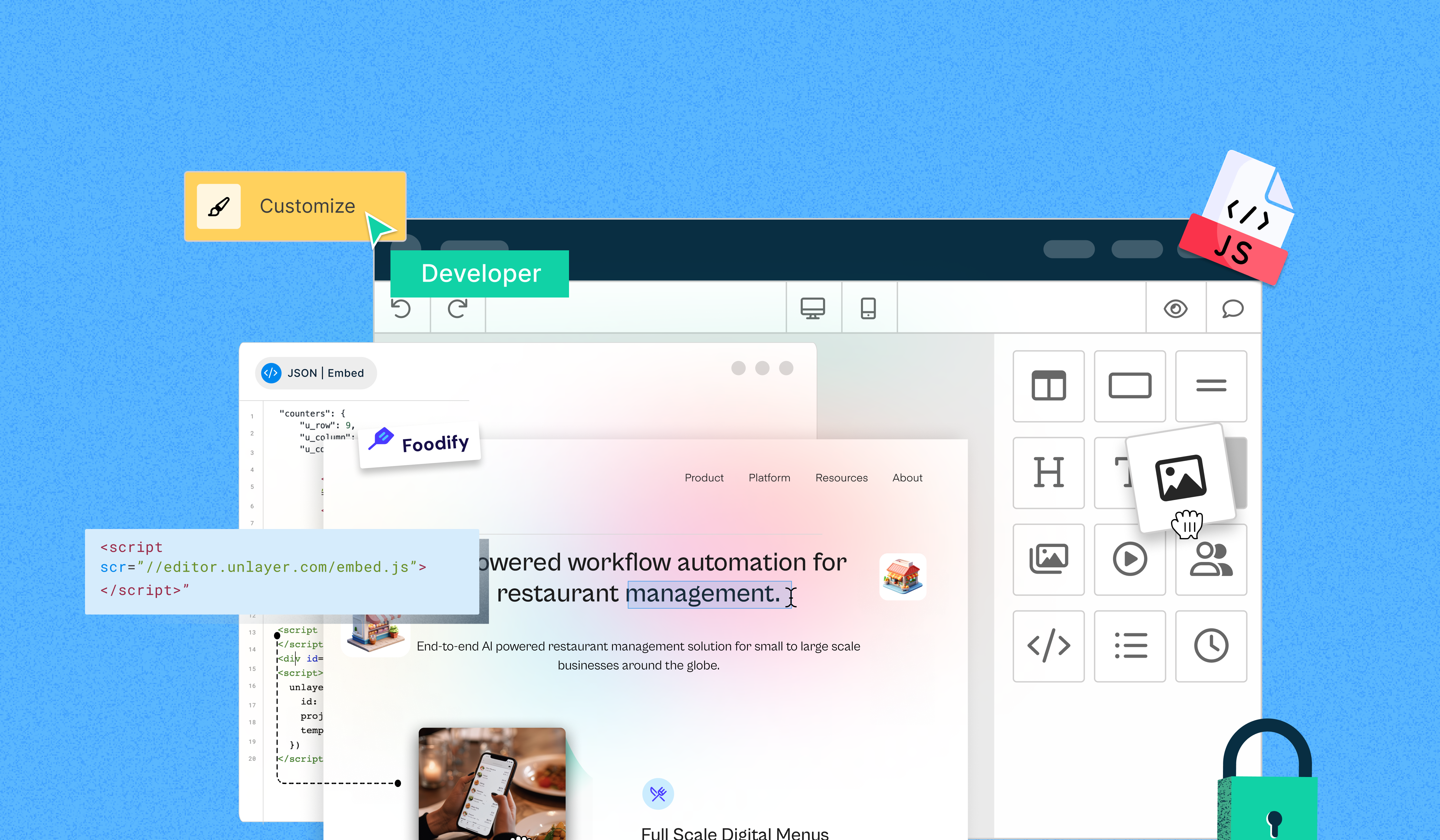
No-code builders have made SaaS app development as easy as ABC—just drag & drop, and ta-da! 🚀
To learn more, you can check out this complete guide on no-code builders for SaaS.
Well, as applications get more complex, these basic editors no longer fit into the puzzle. Developers need more control & flexibility and fewer limitations. That’s where developer-friendly no-code features come to the rescue.
But how to level up editors to keep up with the custom demands? Our infographic covers it all.

Final Thoughts
If you want simplicity, efficiency, and customization flexibility, enhancing builders with developer-friendly no-code features is the way to go. With API access, modular plugins, and custom code injection, you can make your apps scalable, efficient, and tailored to a business’s unique needs.
Are you ready to build without limits? Start Now!