
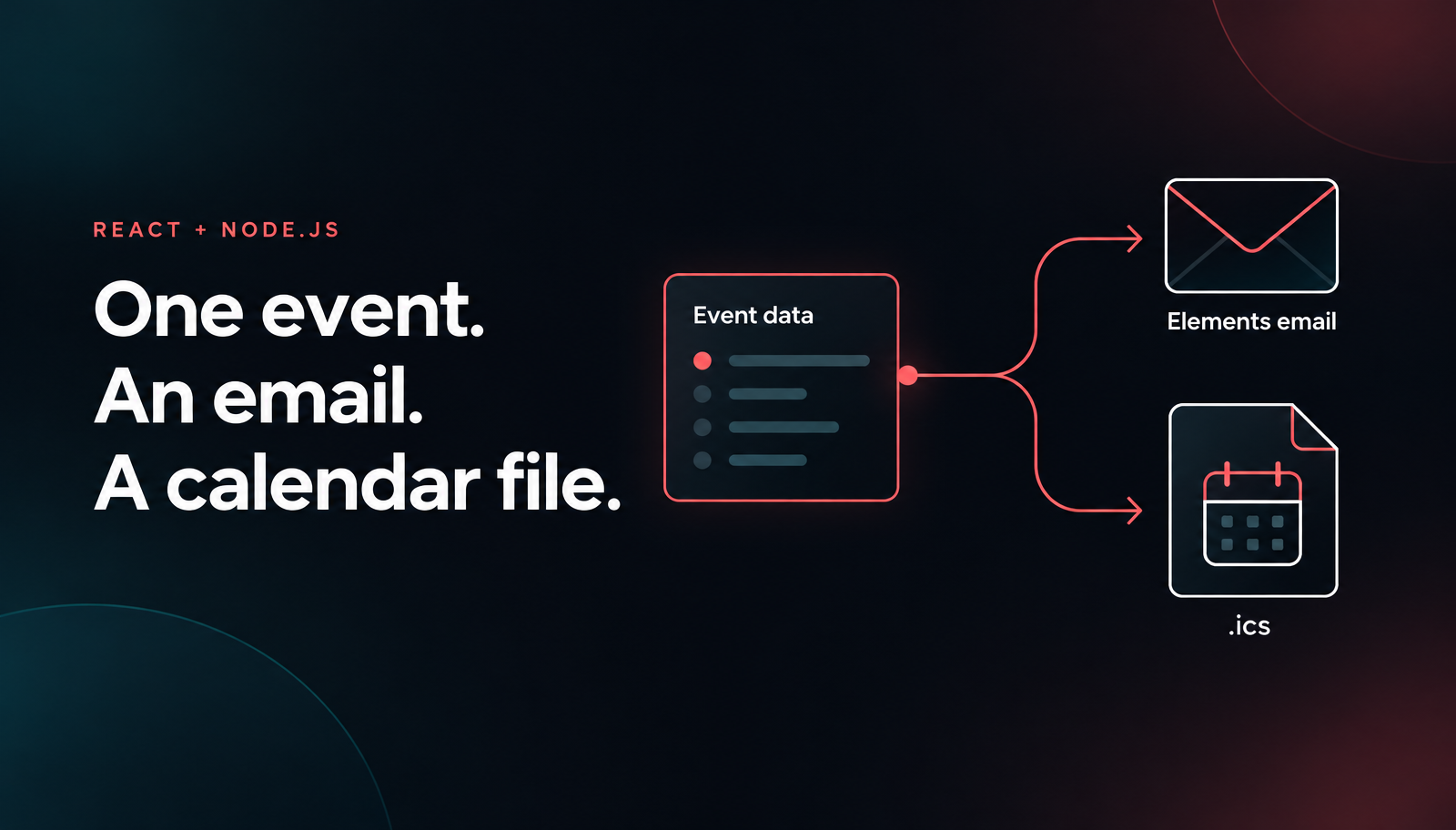
Node.js Email Calendar Invite with React and Nodemailer
Build a Node.js email calendar invite with React, Unlayer Elements, ics and Nodemailer. Preview the confirmation and ICS file, then opt into SMTP sending.

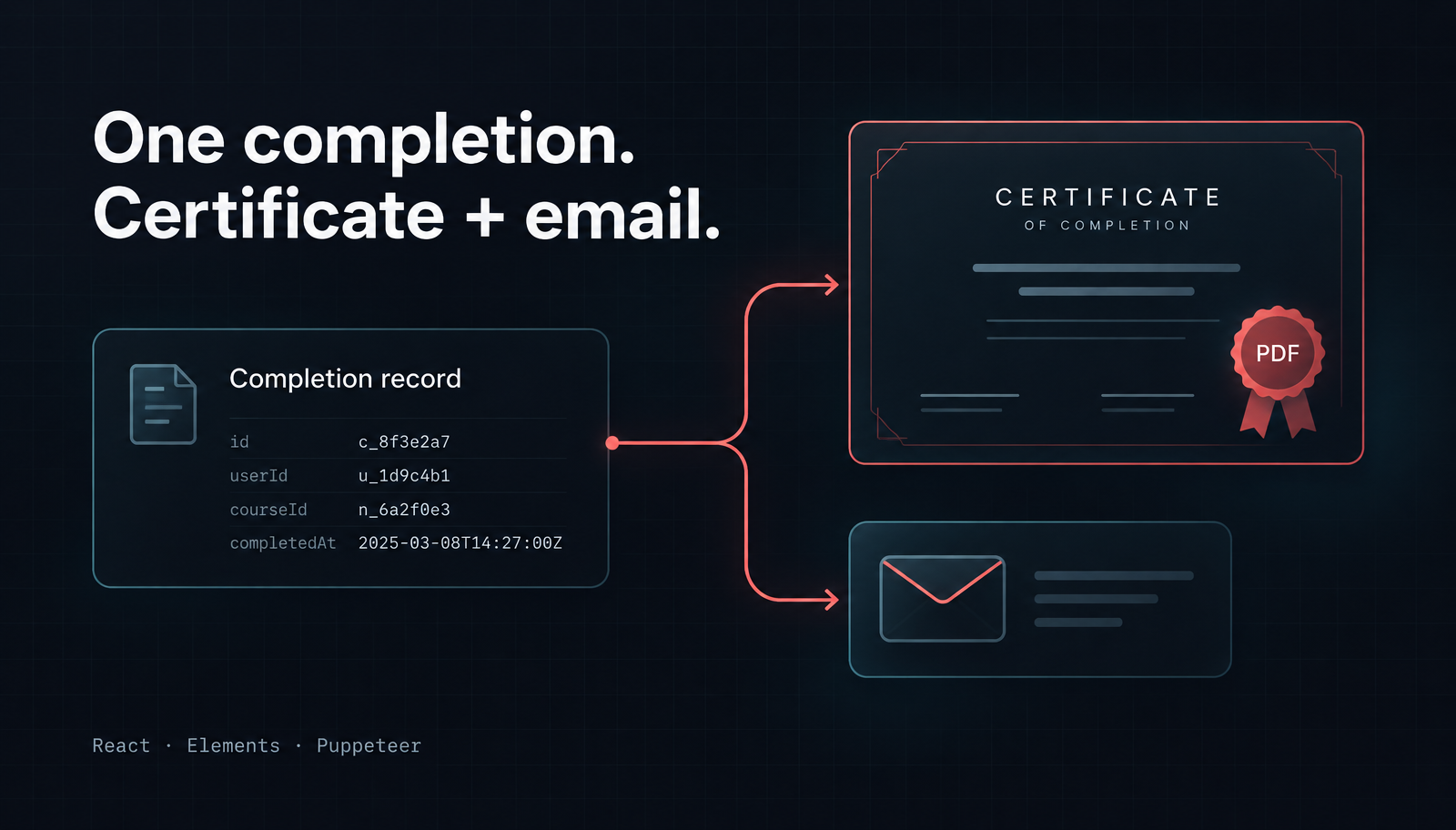
To generate a certificate PDF in Node.js, render a React layout with Unlayer Elements’ Document wrapper, then pass that HTML to Puppeteer. Use the same completion record for the certificate and its notification email so the learner’s name, course and certificate reference stay consistent.
We’ll start with one certificate written to disk, without contacting an email server. Then we’ll add an Elements email and an explicit SMTP send step with the PDF attached. This is code-first content generation, not an embedded visual editor or a learning-management system.
Use a Node.js project with a package.json and Node 22.12 or later, as required by the current Puppeteer release. Elements requires React and React DOM 18 or later. Install the content, browser and email packages, plus tsx for running the TypeScript example:
npm install @unlayer/react-elements react react-dom puppeteer nodemailer
npm install -D tsx
Puppeteer normally downloads its compatible browser during installation. If your package manager blocks dependency install scripts, follow its browser installation instructions:
npx puppeteer browsers installKeep your lockfile. The browser also needs the operating-system libraries listed in Puppeteer’s requirements. Don’t treat installing the JavaScript package alone as proof that a production container can launch Chrome.
Create certificate.tsx. The explicit React import also supports projects using the classic JSX transform. This first version uses one completion record and a direct Document tree:
import React from 'react';
import { mkdir, writeFile } from 'node:fs/promises';
import puppeteer from 'puppeteer';
import nodemailer from 'nodemailer';
import {
  Document, Email, Row, Column, Heading, Paragraph, renderToHtmlParts,
} from '@unlayer/react-elements';

const completion = {
  id: 'FN-2026-1048',
  learner: 'Morgan Rivera',
  course: 'Building Reliable Web Applications',
  completedOn: '2 November 2026',
};
const fontFamily = {
  label: 'Arial', value: 'Arial, Helvetica, sans-serif',
};
const certificate = (
  <Document backgroundColor="#ffffff" contentWidth="10in"
    fontFamily={fontFamily}>
    <Row padding="44px 48px" backgroundColor="#f4f7f5"><Column>
      <Paragraph textAlign="center" color="#24534a" fontSize="16px">
        FIELDNOTE ACADEMY
      </Paragraph>
      <Heading headingType="h1" textAlign="center"
        color="#173e35" fontSize="38px">
        Certificate of Completion
      </Heading>
      <Paragraph textAlign="center" fontSize="18px">
        This certificate is awarded to
      </Paragraph>
      <Heading headingType="h2" textAlign="center"
        color="#173e35" fontSize="32px">{completion.learner}</Heading>
      <Paragraph textAlign="center" fontSize="18px">for completing</Paragraph>
      <Heading headingType="h2" textAlign="center"
        color="#173e35" fontSize="26px">{completion.course}</Heading>
      <Paragraph textAlign="center" fontSize="16px">
        Completed on {completion.completedOn}
      </Paragraph>
      <Paragraph textAlign="center" color="#526b63" fontSize="14px">
        Certificate reference: {completion.id}
      </Paragraph>
      <Paragraph textAlign="center" color="#526b63" fontSize="14px">
        Issued by Fieldnote Academy
      </Paragraph>
    </Column></Row>
  </Document>
);
function fullHtml(tree: React.ReactElement) {
  const { head, body } = renderToHtmlParts(tree);
  return `<!DOCTYPE html><html lang="en"><head>${head}</head>${body}</html>`;
}

async function main() {
  const html = fullHtml(certificate);
  await mkdir('out', { recursive: true });
  await writeFile('out/certificate.html', html, 'utf8');
  const browser = await puppeteer.launch();
  let pdf: Uint8Array;
  try {
    const page = await browser.newPage();
    await page.setContent(html);
    pdf = await page.pdf({
      format: 'letter', landscape: true, printBackground: true,
      margin: { top: '0.5in', right: '0.5in', bottom: '0.5in', left: '0.5in' },
      preferCSSPageSize: false, waitForFonts: true,
    });
  } finally {
    await browser.close();
  }
  await writeFile('out/certificate.pdf', pdf);
  console.log('Certificate files written to out/');
}
main().catch(error => {
  console.error(error);
  process.exitCode = 1;
});
Run the file with tsx:
npx tsx certificate.tsxOpen out/certificate.html to inspect the content, then open out/certificate.pdf in a PDF viewer. Review the learner, course, completion date, margins and page count before sending anything. The PDF is the artifact that matters for printing; a browser layout preview is useful, but it cannot establish the final pagination.

The Document layout keeps the learner, course, completion date and certificate reference together.
Elements produces the content. Its Document wrapper targets print-oriented HTML and is explicitly intended for certificates, invoices and reports. It does not create PDF bytes itself. Puppeteer loads that HTML and prints it to a PDF.
The example uses the documented renderToHtmlParts composition: styles go into head, and the returned body follows it. Keep the wrapper at the renderer boundary, with Row, Column and content inside. There’s no browser-side React hydration step in this workflow.
Puppeteer returns a Uint8Array, which Node’s writeFile accepts. The try/finally closes the browser even when content loading or PDF generation fails. A generation failure stops the function before the email step, rather than submitting a message that claims to contain an unavailable certificate.
This layout targets landscape US Letter. The 10-inch content width leaves room for the configured half-inch side margins. PDFOptions documents format, landscape, margins and printBackground. Avoid mixing format with competing width and height values: format takes priority. Here preferCSSPageSize is false, so an inherited CSS page size does not override the selected paper format.
Don’t add pageRanges: '1' to hide overflow. That can omit certificate content instead of fixing it. Review the actual PDF with long learner names and course titles, and adjust the layout deliberately. A single short-name preview is not enough to establish a one-page contract for every completion record.
The first version uses system fonts and no external images. Before adding a logo or custom font, make its availability predictable in the rendering environment and review the resulting PDF. Waiting for fonts does not mean the intended font exists. Keep essential information as text rather than baking the whole certificate into an image.
Add the following function above main(). It renders a separate Email layout from the same record, authors a plain-text alternative and attaches the PDF bytes using Nodemailer’s Buffer attachment option.
function required(key: string) {
  const value = process.env[key];
  if (!value) throw new Error(`Missing ${key}`);
  return value;
}
async function sendCertificate(pdf: Uint8Array) {
  const tree = (
    <Email backgroundColor="#edf1f0" contentWidth="600px"
      previewText="Your course certificate is attached." fontFamily={fontFamily}>
      <Row padding="28px 32px" backgroundColor="#173e35"><Column>
        <Paragraph color="#c6e2d9" fontSize="14px">FIELDNOTE ACADEMY</Paragraph>
        <Heading headingType="h1" color="#ffffff" fontSize="28px">
          Your certificate is ready
        </Heading>
      </Column></Row>
      <Row padding="24px 32px" backgroundColor="#ffffff"><Column>
        <Paragraph>Hi {completion.learner},</Paragraph>
        <Paragraph>
          Congratulations on completing {completion.course} on {completion.completedOn}.
        </Paragraph>
        <Paragraph>Your certificate is attached as a PDF.</Paragraph>
        <Paragraph color="#526b63" fontSize="14px">
          Certificate reference: {completion.id}
        </Paragraph>
        <Paragraph color="#526b63" fontSize="14px">
          Keep it for your records. If your name needs a correction, reply to this email.
        </Paragraph>
      </Column></Row>
    </Email>
  );
  const html = fullHtml(tree);
  const text = [
    `Hi ${completion.learner},`,
    `Congratulations on completing ${completion.course} on ${completion.completedOn}.`,
    'Your certificate is attached as a PDF.',
    `Certificate reference: ${completion.id}`,
    'Keep it for your records. If your name needs a correction, reply to this email.',
  ].join('\n\n');
  await writeFile('out/notification.html', html, 'utf8');
  const transporter = nodemailer.createTransport({
    host: required('SMTP_HOST'), port: 587, secure: false, requireTLS: true,
    auth: { user: required('SMTP_USER'), pass: required('SMTP_PASS') },
    disableFileAccess: true, disableUrlAccess: true,
  });
  const info = await transporter.sendMail({
    from: required('MAIL_FROM'), to: required('MAIL_TO'),
    subject: `Your certificate: ${completion.course}`, html, text,
    attachments: [{
      filename: 'course-certificate.pdf', content: Buffer.from(pdf),
      contentType: 'application/pdf',
    }],
  });
  if (info.rejected.length || !info.accepted.length) {
    throw new Error('Recipient acceptance needs review');
  }
  console.log('SMTP accepted the message:', info.messageId);
}
Add this line at the end of main(), after the PDF write:
if (process.argv.includes('--send')) await sendCertificate(pdf);Set SMTP_HOST, SMTP_USER and SMTP_PASS from your provider, MAIL_FROM to an authorized sender and MAIL_TO to one mailbox you control. Keep those values in server environment variables, not committed source. Use a monitored sender because the message invites replies.
The SMTP configuration requires port 587 with STARTTLS. If your provider requires port 465, use its documented secure: true settings instead. Don’t disable certificate validation to bypass a connection failure. With the fields reviewed and credentials configured, opt into submission:
npx tsx certificate.tsx --sendRunning it again attempts another email. SMTP acceptance is not proof of inbox delivery. The saved notification.html lets you inspect the prepared content, but it is not a substitute for reviewing the received attachment and message in your supported clients.

The notification repeats the same completion details and tells the learner where to find the PDF.
Replace the hard-coded record with an authorized completion loaded by your application. The application must decide whether the learner earned the certificate, which tenant issued it and which recipient may receive it. Don’t expose an endpoint that accepts arbitrary names, completion claims, HTML or recipient addresses and turns them into certificates.
Persist a stable certificate reference and an immutable issuance revision. A correction should be an explicit reissue, not an unnoticed change to a file someone already received. The printed reference is useful for support; it is not a cryptographic signature or proof that a certificate is authentic.
Keep names and course titles as React text children. Don’t replace them with untrusted HTML. If you later allow remote images, isolate the browser worker and restrict its network access. Nodemailer’s disableUrlAccess restricts Nodemailer, not requests made by Puppeteer while rendering a page.
Before adding retries, persist the issuance record, PDF artifact and notification state. Coordinate workers using an application-level notification key. A timeout after SMTP submission can leave the outcome uncertain, so reconcile it before blindly resending. Neither Elements nor Nodemailer supplies exactly-once delivery.
For broader product context, our industry use-case guide discusses education workflows. If your next notification needs an add-to-calendar file instead of a PDF, the Node.js calendar-email tutorial covers that separate attachment format.
No. Document renders print-oriented HTML. This implementation uses Puppeteer for the PDF and Nodemailer for submission. Course completion, recipient authorization and issuance history stay in your application.
Not in this first version. It is a code-authored layout. Adding customer editing is a separate builder integration with its own design persistence and access controls. Visual edits do not reconstruct your React source.
The file communicates your application’s completion decision. It doesn’t verify that decision or implement credential verification, revocation or signed documents. Those require a separate issuance and verification design.
Open the live certificate layout in Elements Playground, follow the official Elements rendering API, and start with Unlayer Elements. The demo shows the Document layout; PDF generation and email submission happen in your Node.js application.
Insights on email design, content creation, and developer productivity.
Build a Node.js email calendar invite with React, Unlayer Elements, ics and Nodemailer. Preview the confirmation and ICS file, then opt into SMTP sending.
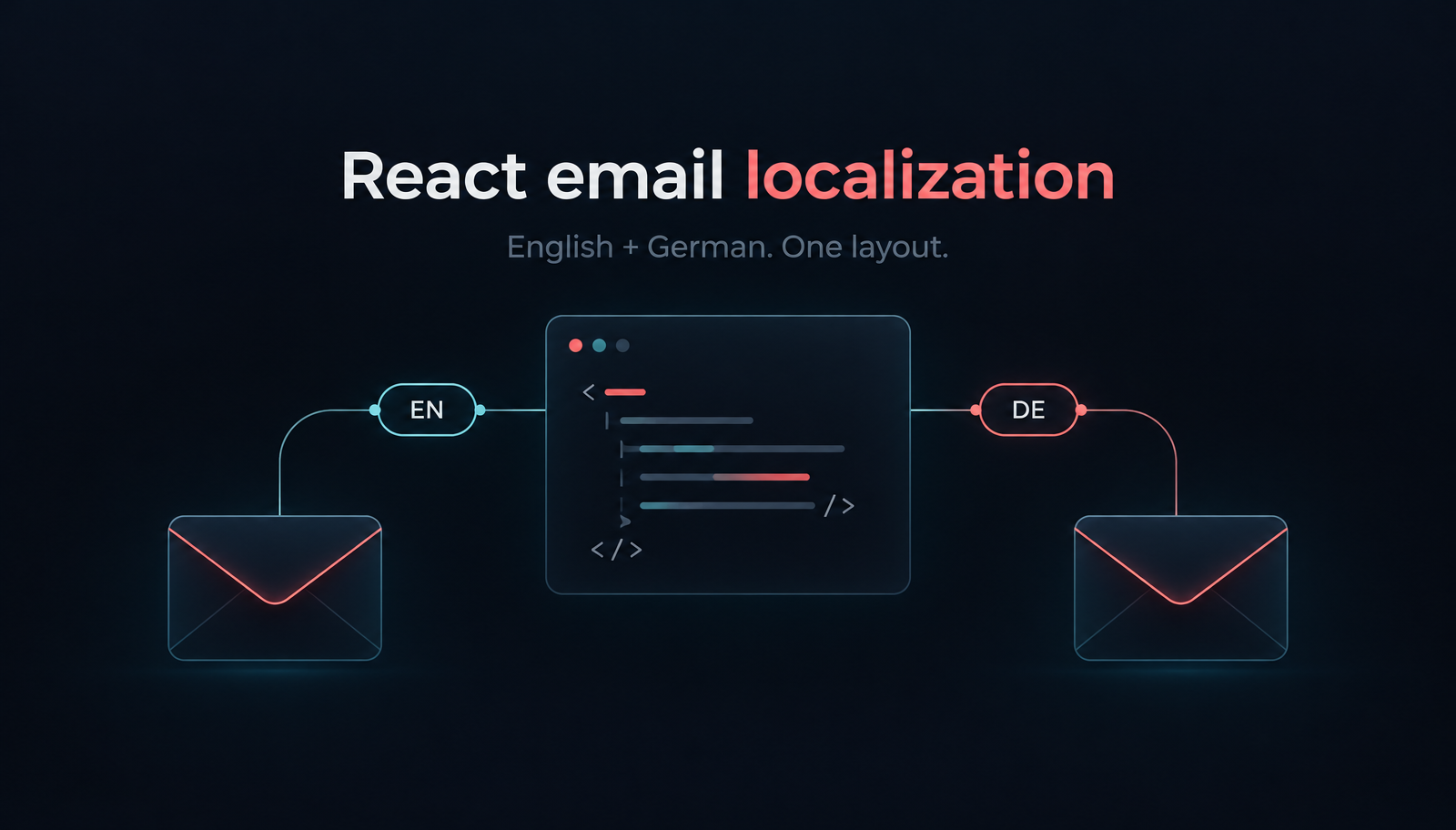
Build localized React order-confirmation emails with Unlayer Elements. Use English and German catalogs, format EUR amounts, preview the layout and send with Resend.
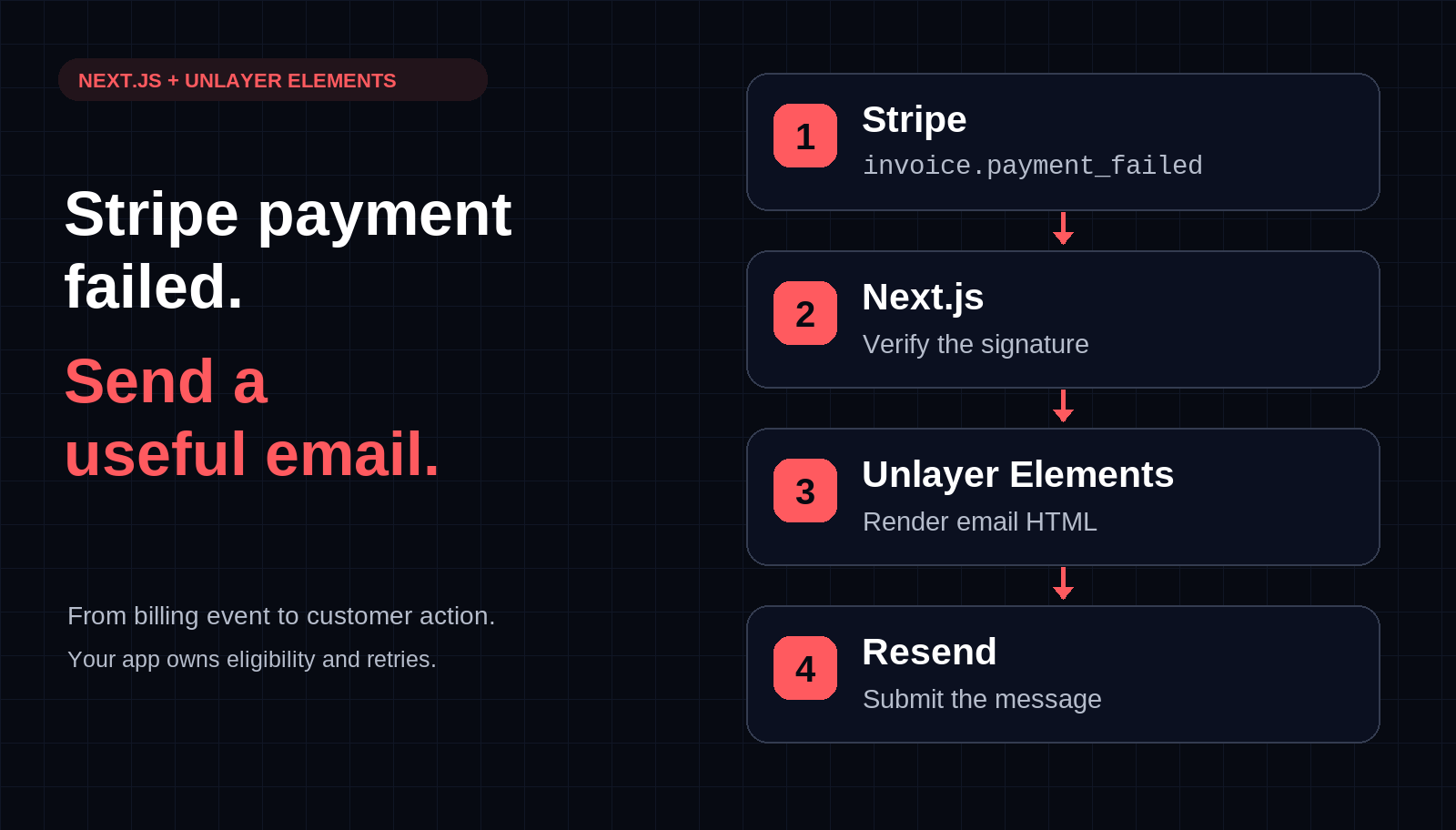
Build a Stripe payment-failed email webhook in Next.js with Unlayer Elements and Resend. Preview the message, verify signatures, and plan bounded retries.