
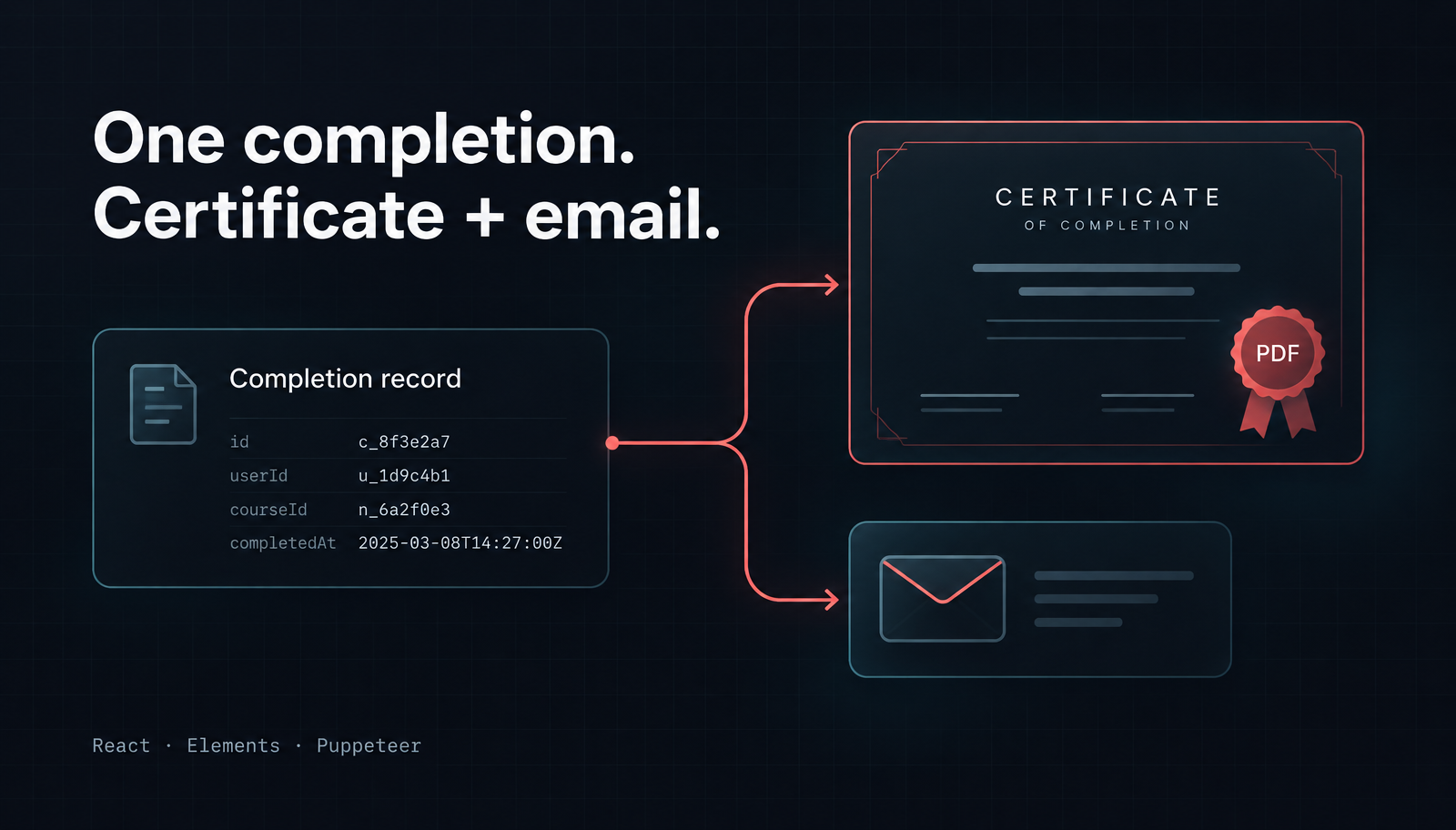
Generate a Course Completion Certificate PDF in Node.js with React
Generate a course completion certificate PDF in Node.js with React and Unlayer Elements, then attach it to a matching notification email with Nodemailer.

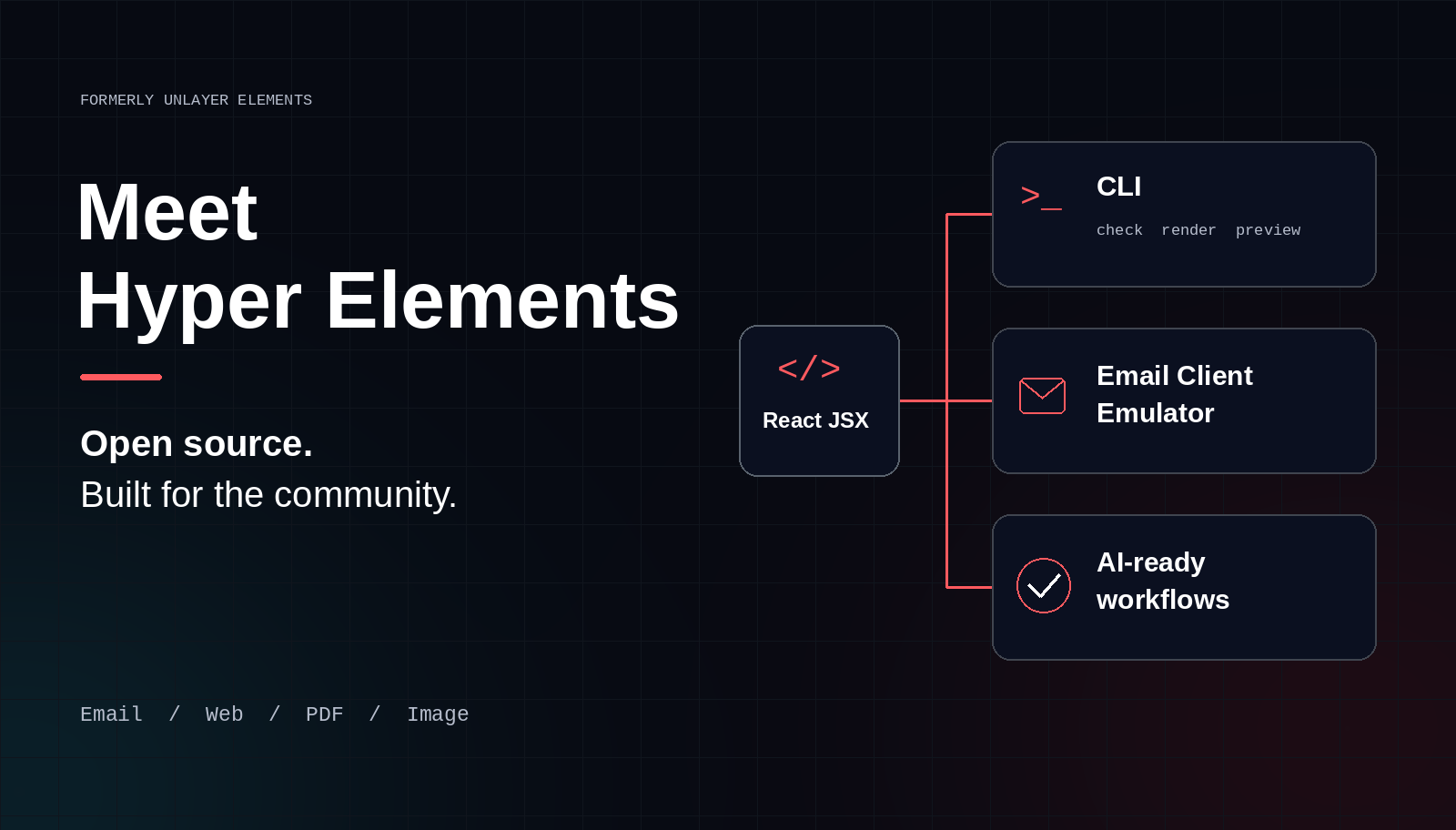
Unlayer Elements is now Hyper Elements, a completely separate, free, open-source initiative for the community. Built by the team behind Unlayer, it works independently of the Unlayer platform and has its own website, documentation, packages, and GitHub repository.
The name has changed. The toolkit has grown, too. Alongside React components for emails, web pages, PDFs, and images, Hyper Elements includes a CLI, a local Email Client Emulator, accessibility and quality checks, and workflows that let coding agents check and improve their own templates.
This isn't a new name for Unlayer's drag-and-drop builder. It's a code-first project you can use on its own, whether or not you use Unlayer.
The bigger shift is in how you work. Instead of making a paid screenshot check the stopping point between writing an email and fixing it, you can put free, local client previews and actionable findings directly into a developer's or coding agent's loop.
Hyper Elements has its own identity as an open-source project, rather than living under the Unlayer product name. The project is MIT licensed, and its code, docs, and releases are available in the open.
That distinction matters. You don't need a Unlayer account or API key to render content. You can keep templates in your repository, render them in your application, and hand the output to the services you already use.
There is still an optional integration with Unlayer's visual builder. But that integration is a choice, not a requirement. The builder remains a separate Unlayer product with its own project setup.
Yes. One of the most useful ways to try Hyper Elements doesn't require adopting its React components at all.
If you already have a complete HTML email saved as email.html, run:
npx @hyper-elements/cli check email.html
npx @hyper-elements/cli preview email.html
The first command checks the email. The second writes local client-preview files, including an Outlook preview at out/clients/email/outlook.html, ready to open in Chromium. It works with HTML from MJML, React Email, a visual builder, or an email written by hand. No React installation is required for this HTML-testing workflow.
Prefer to start in a browser? Open the free email-testing playground, paste your HTML, and compare modeled client previews and compatibility findings.
The CLI brings rendering, validation, and previews into the terminal. You don't need a separate script for each task.
For a Hyper Elements template project, it can:
Check templates for invalid props and styles, lint findings, and client-compatibility issues when the email-clients package is installed.
Render outputs as email HTML and plain text, page HTML, document PDFs, or canvas images, with the appropriate rendering engines installed.
Preview emails through the Email Client Emulator.
Run a local development view that rerenders templates when their source changes.
Describe and inspect components so developers and agents can see what's supported.
For automated workflows, commands provide stable exit codes and JSON output. A CI job can reject a template with errors, or fail on warnings with --max-warnings 0. A coding agent can read the findings instead of guessing what went wrong.
That's the practical difference between a library you call occasionally and a toolkit you can build into everyday development.
Send a test email. Wait for screenshots. Inspect them. Work out what broke. Edit the template and start again. That feels like a workflow from before coding agents: a person moving between pictures and source code, with testing treated as a separate destination.
For an agent that can write, check, and fix a template, paying just to get another set of pictures is the wrong default. Testing should be part of the edit loop, not a purchase decision every time you want to check a change.
Hyper Elements offers a different starting point: free email-client emulation, running locally, with no account, API key, or per-preview charge. Make a change, preview the supported clients, read what changed, and fix the template. Repeat as often as you need, without a screenshot-service subscription or a preview allowance to budget around.
A browser preview tells you what your browser does with an email. It doesn't tell you what Outlook, Gmail, or Apple Mail will change.
The Email Client Emulator, available as @hyper-elements/email-clients, produces local previews that model those differences. It supports classic Outlook for Windows, Outlook.com and new Outlook, Gmail web and app variants, Apple Mail, Yahoo Mail, and AOL Mail, with supported dark-mode variants.
Each preview also explains what changed. That can include removed styling, unavailable fonts, missing images, text wrapping onto more lines, or content that's hard to read in dark mode.
Classic Outlook · emulator preview

Gmail on the web · emulator preview

The project's own emulator examples show the same welcome email with different corner treatments. These are modeled previews, not screenshots captured from real inboxes. Images: Hyper Elements documentation.
The emulator runs locally, without an account, API key, or test send. Your email isn't uploaded to a hosted testing service. Referenced images and fonts can still load from their hosts, and preview fonts can be inlined for offline use.
The useful output isn't just a picture. It's what to fix next. A preview shows the result; client-specific findings give a developer or agent something to act on. That is a better fit for an agent-driven workflow than paying for screenshots and leaving the diagnosis to you.
The previews model client behavior rather than capturing a live inbox. Real-client checks still have a place for final verification or clients outside the emulator's coverage. They don't need to be the paid gate on every development iteration.
The core idea is still straightforward: write content in JSX, then render it for the output you need. Hyper Elements provides Email, Page, Document, and Canvas roots, with shared layout and content components.
An Email becomes email-safe HTML with a plain-text version. A Page becomes responsive web HTML. A Document can become a PDF, and a Canvas can become a PNG or SVG. The PDF and image rendering entries run in Node.js without a browser.

Shared components, different output roots. Diagram: Hyper Elements.
validate() reports problems with a code, message, and path to the relevant value. Findings can include guidance on the fix. outline() prints the laid-out template as text, including block widths, so you can inspect structure without reading generated HTML.
The separate lint package adds accessibility and quality checks: unclear links, missing alternate text, low contrast, small text, heading order, language, and more. Those checks complement validation and client emulation; they don't replace a content review.
Themes let you define colors, fonts, spacing, component defaults, and variants in one place. The same theme can be used across email, page, document, and canvas roots, with format-specific overrides.
You can also create named, typed components for reusable blocks. That gives your team and its coding agents a consistent set of building blocks instead of repeatedly recreating a product card, account summary, or branded call to action.
The Hyper Elements site describes the project as “the content engine for agents.” The useful part isn't just generating JSX. It's giving an agent a way to check the result.
The package includes a GUIDE.md generated from its component definitions, matching the installed version. An agent can read that guide, write a template, validate it, inspect its layout, and review client-preview findings before making another change.
The loop is concrete: write, check, preview, fix. JSON output and actionable diagnostics make those steps usable from an agent's terminal, rather than leaving it with a generic “render failed” message.
An agent with browser access can open the local previews, read what each client removed or changed, adjust the template, and check again. With the CLI's browser tooling installed, it can also collect findings as JSON. You're not buying another batch of screenshots for each pass. You're giving the agent a way to inspect and improve its own work.
Your existing templates don't automatically move to the new package. @unlayer/react-elements remains on npm, and existing templates can keep using it.
Hyper Elements has a new component API, so migration is more than replacing an import. Start with the migration tool's report:
npx @hyper-elements/migrate src/emails --from unlayer-elements --report notes.mdWithout --write, this lists proposed changes rather than replacing your templates. The codemod rewrites imports and JSX while keeping props, loops, conditions, helpers, and constants.
Read the report, commit your files before applying changes, and review each migrated template. Rendering callers need attention too: Hyper Elements uses async await render(element) instead of the old renderToHtml() API. Custom tools and dynamic markup can need manual work.
Our earlier Stripe payment-failed email and course-certificate PDF tutorials show the kinds of workflows Elements supports. They use the older package; follow the migration guide rather than changing their imports alone.
You don't need to use Unlayer to participate. Try a template, check an existing email, report a reproducible issue, improve the docs, or contribute code through the contribution workflow.
Hyper Elements has its own home now, and there's more to explore than a new name: local email testing, terminal workflows, multiple output formats, and tools that help both people and agents improve what they create.
Yes. It's a free, MIT-licensed open-source project. Its core rendering works independently of the Unlayer platform.
No. Hyper Elements is the code-first initiative formerly called Unlayer Elements. Unlayer's visual builder is a separate product, with an optional integration.
Yes. The email-clients library and CLI accept complete HTML emails. You don't need React or a Hyper Elements template for that workflow.
No paid service is required to use the emulator. You can check existing HTML and generate local previews for supported clients for free, as often as you need. The previews are emulations, not live-inbox captures; real-client testing remains an option for final verification and broader coverage, rather than the default on every edit.
Explore the project, try the Email Client Emulator playground, or follow the quickstart to build your first template.
The source, issues, and contribution paths are on GitHub. Bring a use case. Bring a bug report. Help make it better.
Insights on email design, content creation, and developer productivity.
Generate a course completion certificate PDF in Node.js with React and Unlayer Elements, then attach it to a matching notification email with Nodemailer.
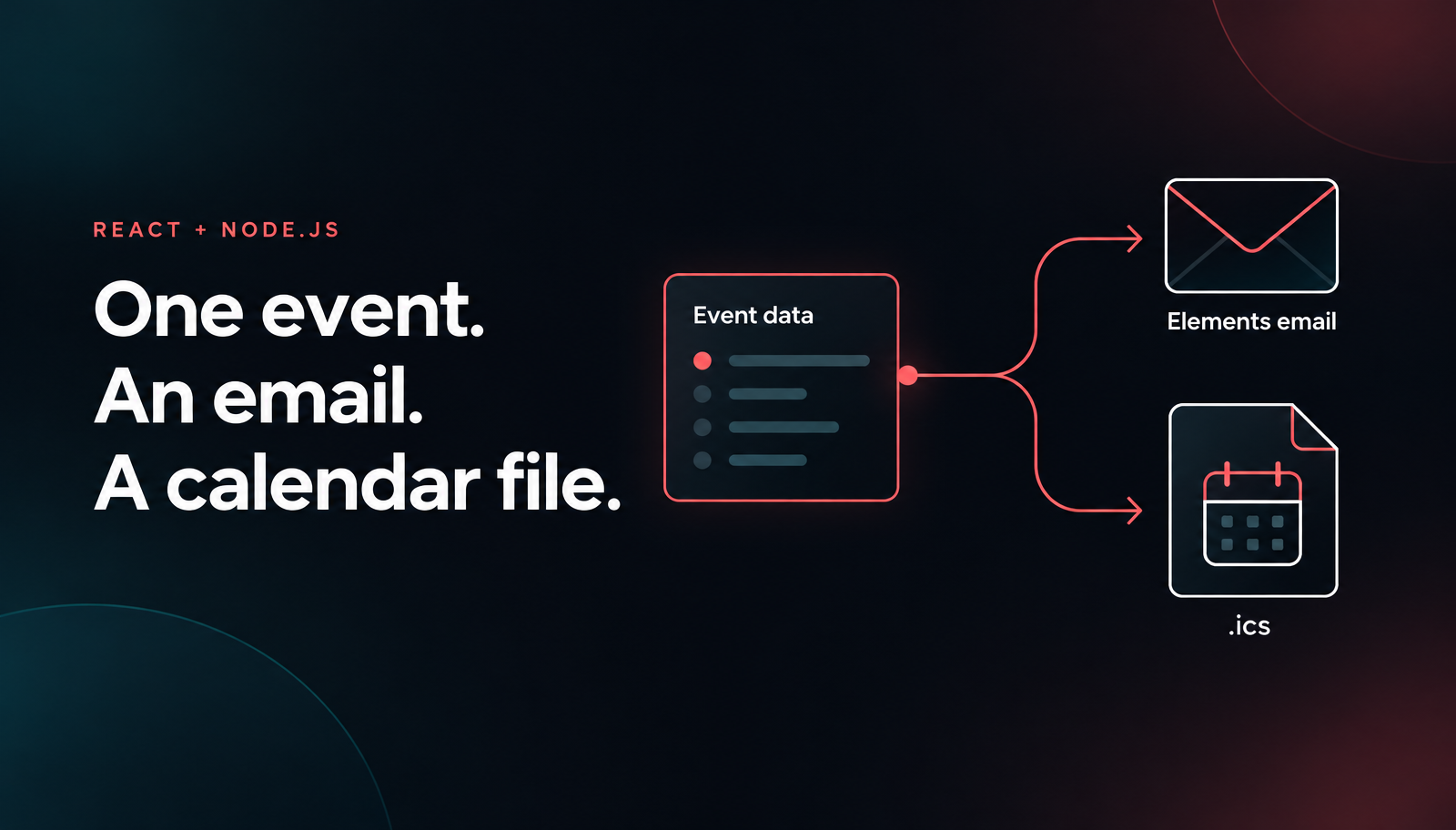
Build a Node.js email calendar invite with React, Unlayer Elements, ics and Nodemailer. Preview the confirmation and ICS file, then opt into SMTP sending.
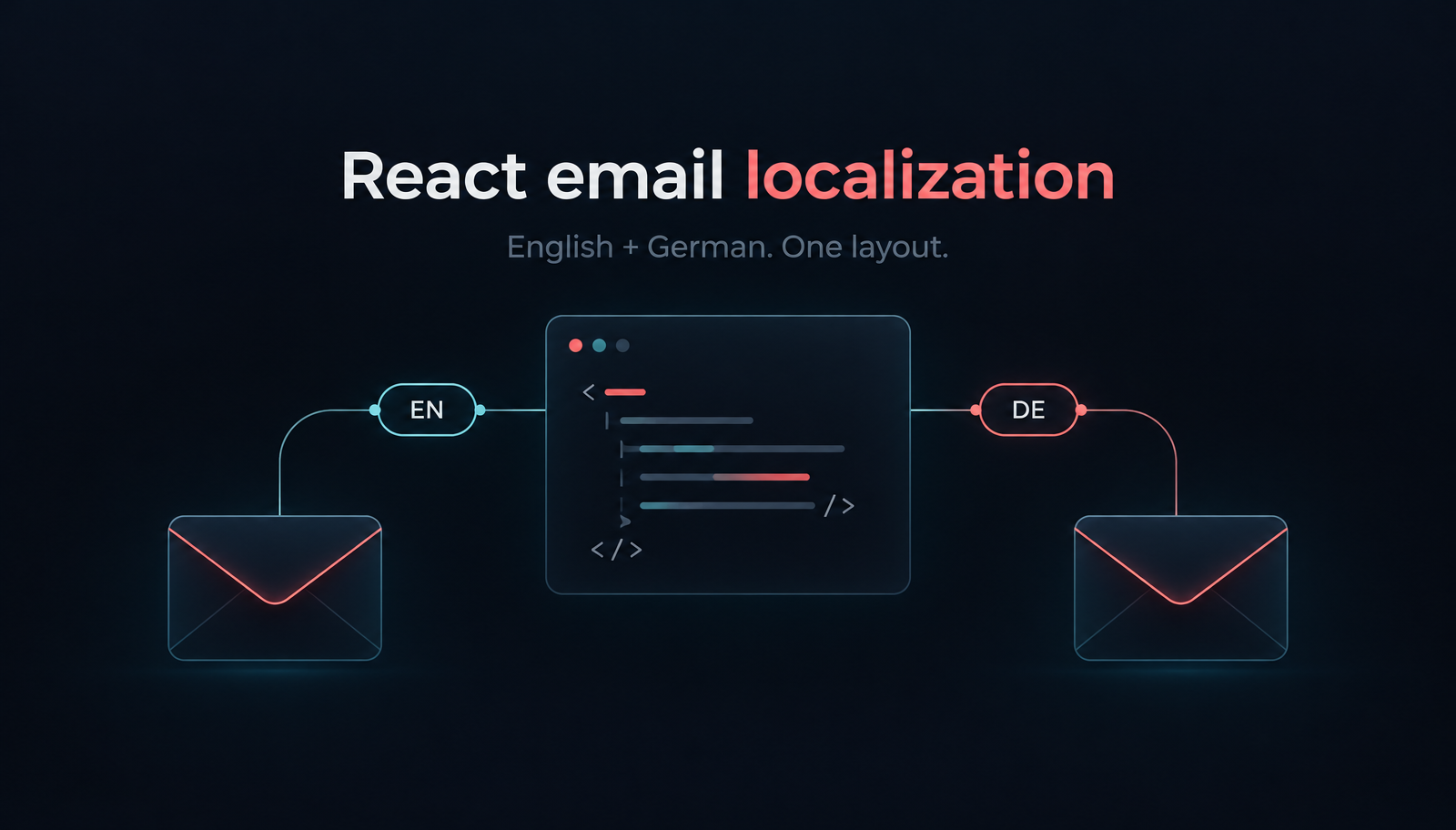
Build localized React order-confirmation emails with Unlayer Elements. Use English and German catalogs, format EUR amounts, preview the layout and send with Resend.