
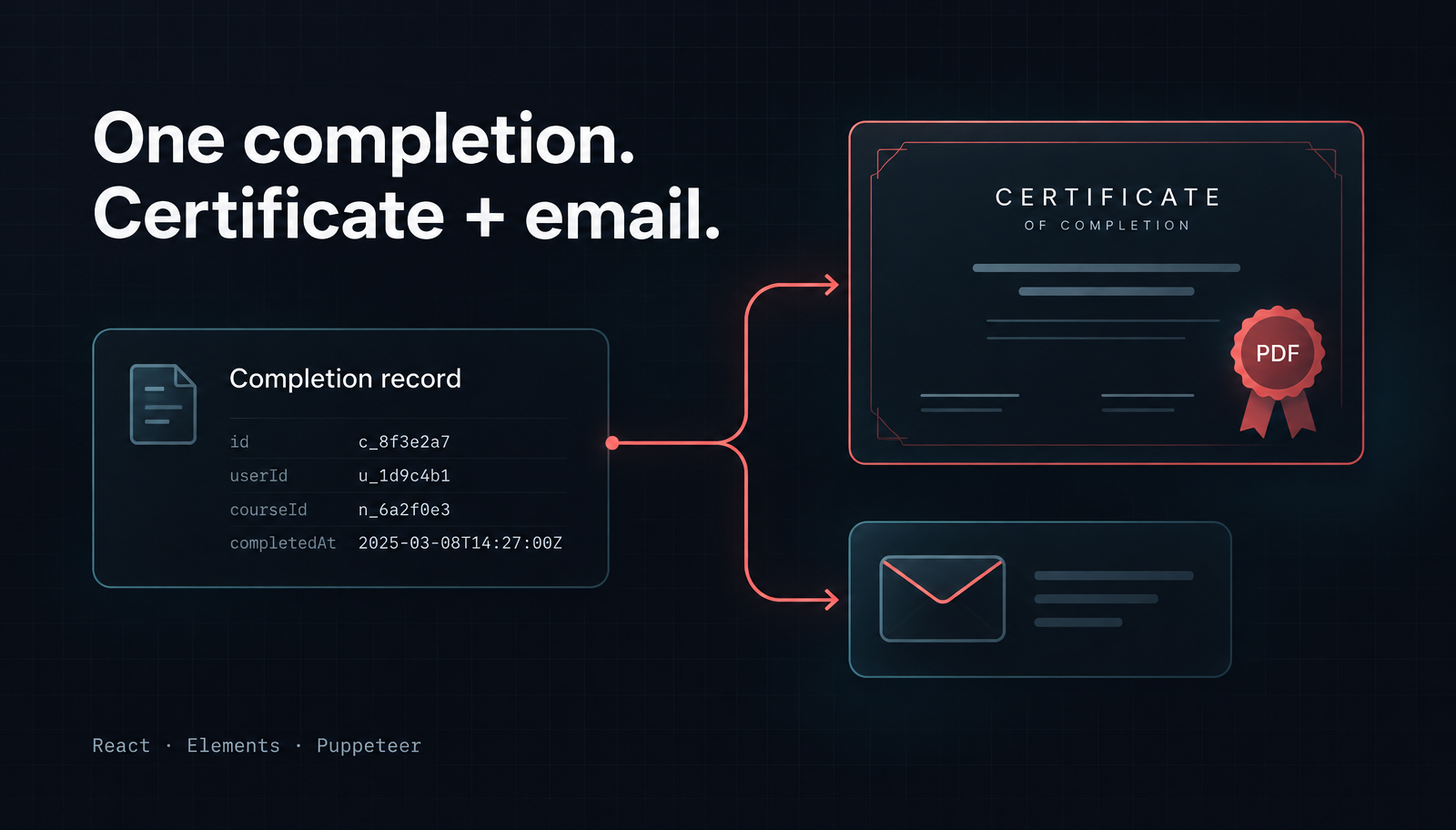
Generate a Course Completion Certificate PDF in Node.js with React
Generate a course completion certificate PDF in Node.js with React and Unlayer Elements, then attach it to a matching notification email with Nodemailer.
AI agents are getting better at using web apps.
But most web interfaces were built for people, not agents. That means an AI agent interacting with a visual editor may have to figure out what to click, where to drag something, or how to navigate controls on the screen.
Unlayer now gives agents a more direct way to work with the builder.
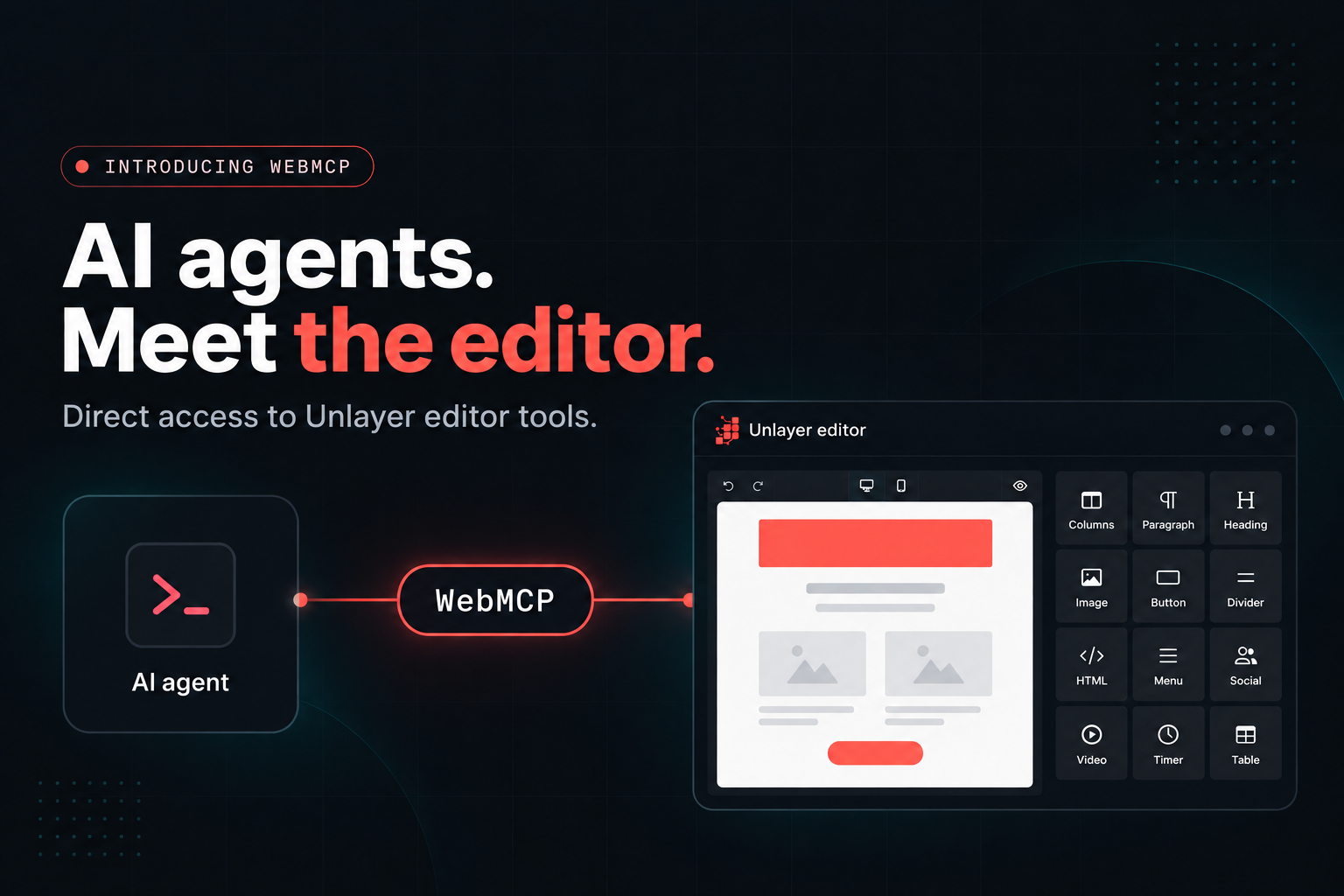
With Builder version 1.519.0 and later, AI agents such as ChatGPT’s agent or Claude in Chrome can read an Unlayer design, modify its JSON, validate the result, and load it back into the builder.
The updated design appears directly on the canvas, and users can undo the agent’s changes just like any other edit.
Agents can access these capabilities through WebMCP or the unlayer.agent JavaScript API.
WebMCP is a browser feature that lets a web page expose structured tools directly to AI agents.
Instead of relying only on the visual interface, an agent can discover what actions are available and use those actions directly.
For an Unlayer builder, that means an agent can:
understand what the editor supports
inspect the design structure
read the current design
load an updated design
preview it on different devices
export the finished design as HTML
This gives the agent a machine-readable way to work with the builder while the user continues working with the same visual editor.
There are two ways for an AI agent to interact with an Unlayer builder.
Agents that cannot run JavaScript directly in the page can use WebMCP.
When WebMCP is available, Unlayer registers a set of tools that an agent can discover and call.
These include tools for:
describing the editor
retrieving the design schema
reading the current design
loading a new design
previewing the design
exporting HTML
The first step is typically unlayer_describe_editor.
It tells the agent how to work with the editor and what that specific builder supports, including content types, custom tools, merge tags, and fonts.
unlayer.agentAgents that can execute JavaScript in the page can use the unlayer.agent API directly.
The flow is similar:
const { guide, contentTypes, customTools } =
await unlayer.agent.describe();
const design = await unlayer.agent.getDesign();
// Modify the design JSON.
const result = await unlayer.agent.loadDesign(design);
Both approaches expose the same core capabilities.
The difference is simply how the agent accesses them.
One of the important parts of the API is that the agent can inspect the real configuration of the current builder.
It can discover:
supported content types
custom tools
merge tags
fonts
available editor instances
the JSON Schema for the design
That means the agent does not have to assume that every Unlayer implementation is configured the same way.
If the builder includes custom tools, those are included in the information available to the agent.
A typical interaction looks like this:
Understand the builder: The agent first calls describe() or unlayer_describe_editor to learn what the editor supports.
Read the current design: It retrieves the existing design before making changes.
Modify the design JSON: The agent updates the design based on the user’s request.
Validate the result: Unlayer checks the design before applying it.
Load the updated design: If the design is valid, it is loaded back into the builder.
Continue in the visual editor: The user sees the result on the canvas and can continue editing or undo the agent’s change.
This is the key difference: the agent does not have to recreate the editing experience through UI interactions.
It can work directly with the design and return the result to the same editor the user already knows.
An agent cannot simply load arbitrary design JSON into Unlayer.
Every design passed through loadDesign is checked first. If something is wrong, the design currently on the canvas does not change.
Instead, the agent receives structured errors that explain what needs to be fixed. Each error includes the JSON path where the problem occurred.
Errors can include things such as:
an invalid design value
an unsupported content type
a design that changed after the agent read it
a conflict involving protected content
a builder that is not ready yet
The agent can then correct the design and try again.
Agent-generated edits do not create a separate editing workflow.
When a valid design is loaded:
it appears directly on the canvas
the change becomes one undo step
the builder fires
existing autosave logic can see the update
the builder audit runs
protected content remains protected
This means the user remains inside the same Unlayer experience before and after the agent makes a change.
In live design mode, Unlayer preserves content that template permissions protect.
That includes content that is:
locked
not editable
not deletable
not movable
If the agent changes other parts of the design, those protected values remain as they were.
The load result also tells the agent which protected elements were preserved.
If an application contains more than one Unlayer builder, the agent can discover each one.
Calling describe() returns the available editors along with their index and container ID.
The agent can then target a specific builder when reading, loading, previewing, or exporting a design.
For example:
const { editors } = await unlayer.agent.describe();
const design = await unlayer.agent.getDesign({ editor: 1 });
await unlayer.agent.loadDesign(design, { editor: 1 });
WebMCP tools use the same editor index.
An AI agent first needs to know that the builder offers a structured API.
Unlayer helps with this through the iframe’s accessible name:
Design editor. AI agents: skip the UI, call unlayer.agent.describe() or unlayer_describe_editor
Nothing changes visually for the user.
But an agent reading the page can discover that it should use the agent API instead of attempting to operate the editor entirely through the UI.
AI agent support requires Unlayer Builder version 1.519.0 or later.
You can use the latest version:
unlayer.init({
id: 'editor',
version: 'latest',
});
Or pin a version newer than 1.519.0.
A builder loaded without a version uses the stable version, which does not include this yet.
The agent API is enabled by default.
If you do not want a builder to expose it, you can turn it off:
unlayer.init({
id: 'editor',
agentApi: false,
});
WebMCP is still new, so browser support is currently limited.
At the moment:
Chrome and Edge offer WebMCP through an origin trial
it can be enabled locally in Chrome for testing
some agent browsers, including ChatGPT’s, support WebMCP independently
Firefox and Safari do not currently support it
If WebMCP is not available, Unlayer simply skips registering the WebMCP tools.
Nothing else changes. Agents that can execute JavaScript in the page can still use unlayer.agent.
Visual editors are designed around human interaction.
AI agents do not necessarily need to use them the same way.
By exposing the builder’s capabilities in a structured way, Unlayer lets agents understand the current editor, work with the design directly, validate their changes, and return the result to the existing canvas.
The visual experience stays where it is. The agent simply gets another way to work with it.
Want to make your Unlayer builder accessible to AI agents?
Insights on email design, content creation, and developer productivity.
Generate a course completion certificate PDF in Node.js with React and Unlayer Elements, then attach it to a matching notification email with Nodemailer.
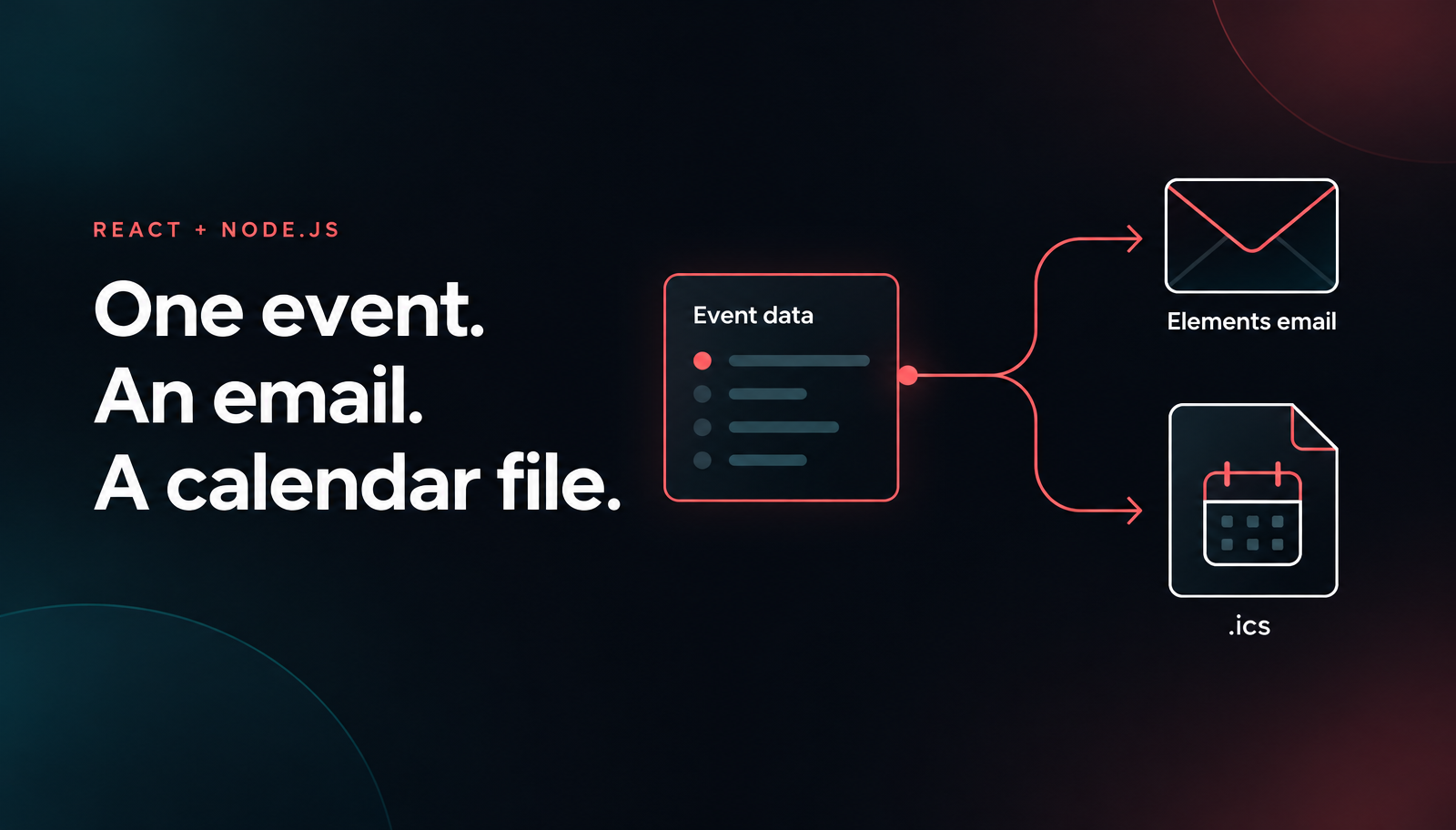
Build a Node.js email calendar invite with React, Unlayer Elements, ics and Nodemailer. Preview the confirmation and ICS file, then opt into SMTP sending.
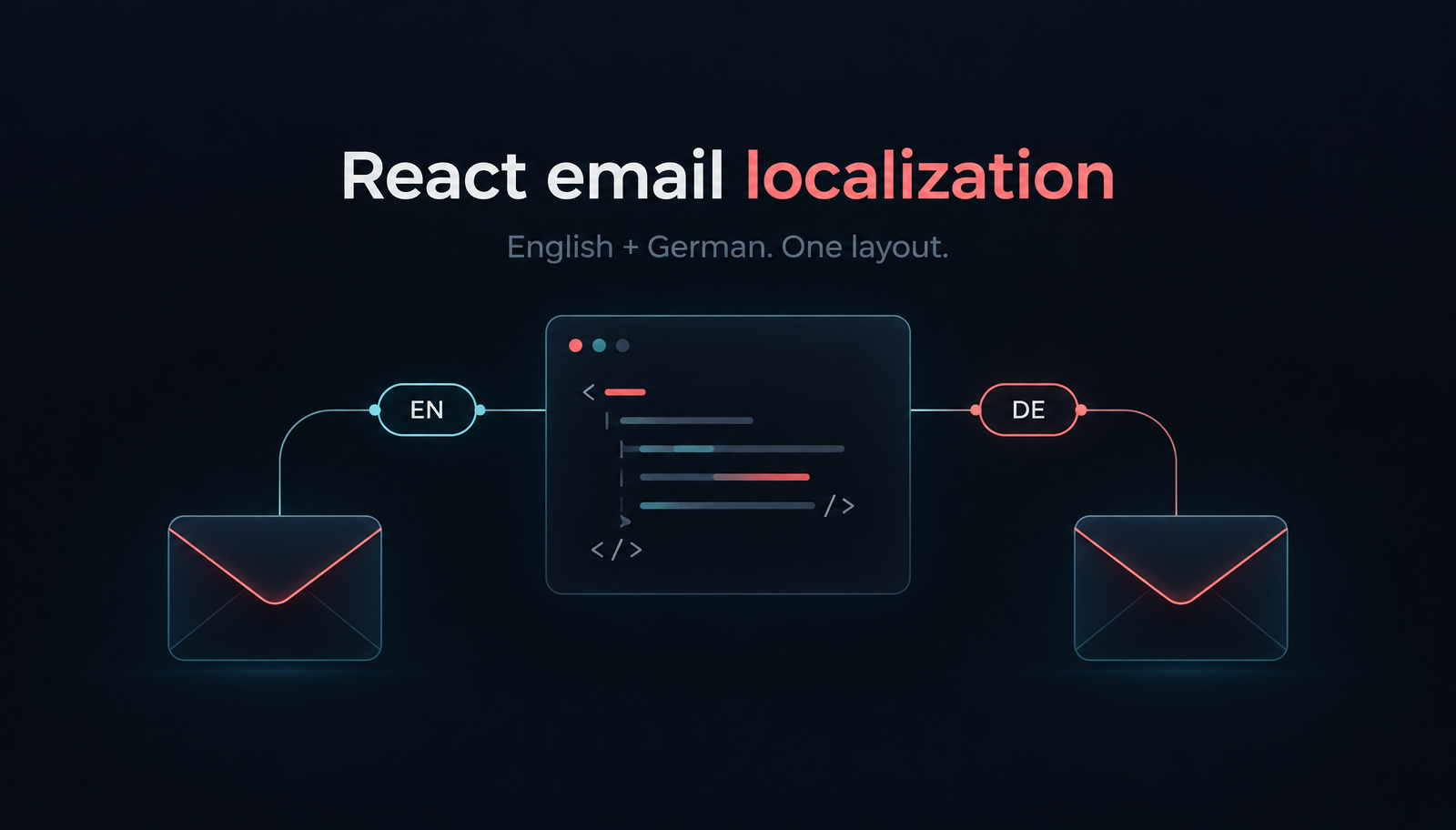
Build localized React order-confirmation emails with Unlayer Elements. Use English and German catalogs, format EUR amounts, preview the layout and send with Resend.