
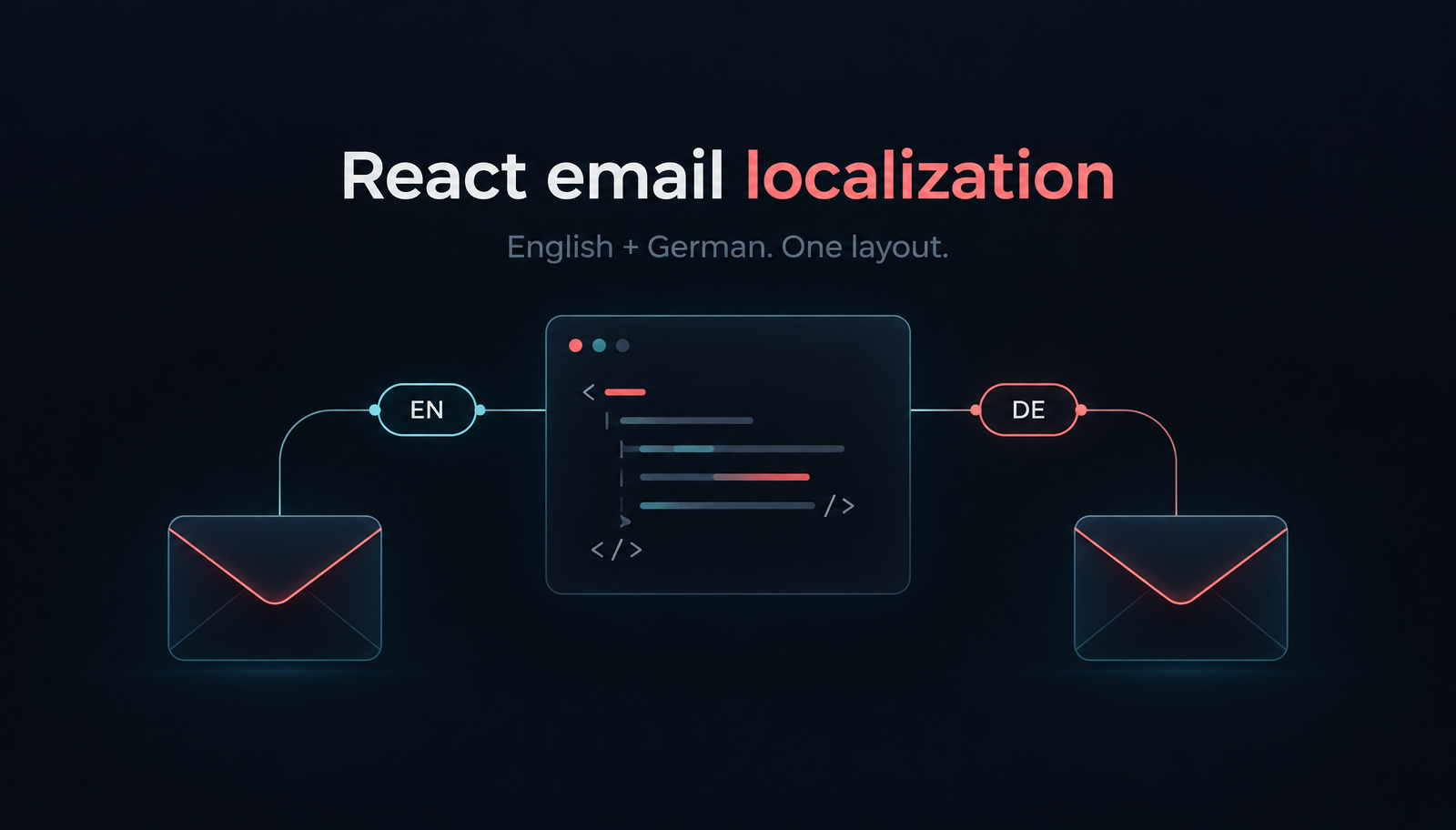
React Email Localization: Order Confirmations in English and German
Build localized React order-confirmation emails with Unlayer Elements. Use English and German catalogs, format EUR amounts, preview the layout and send with Resend.

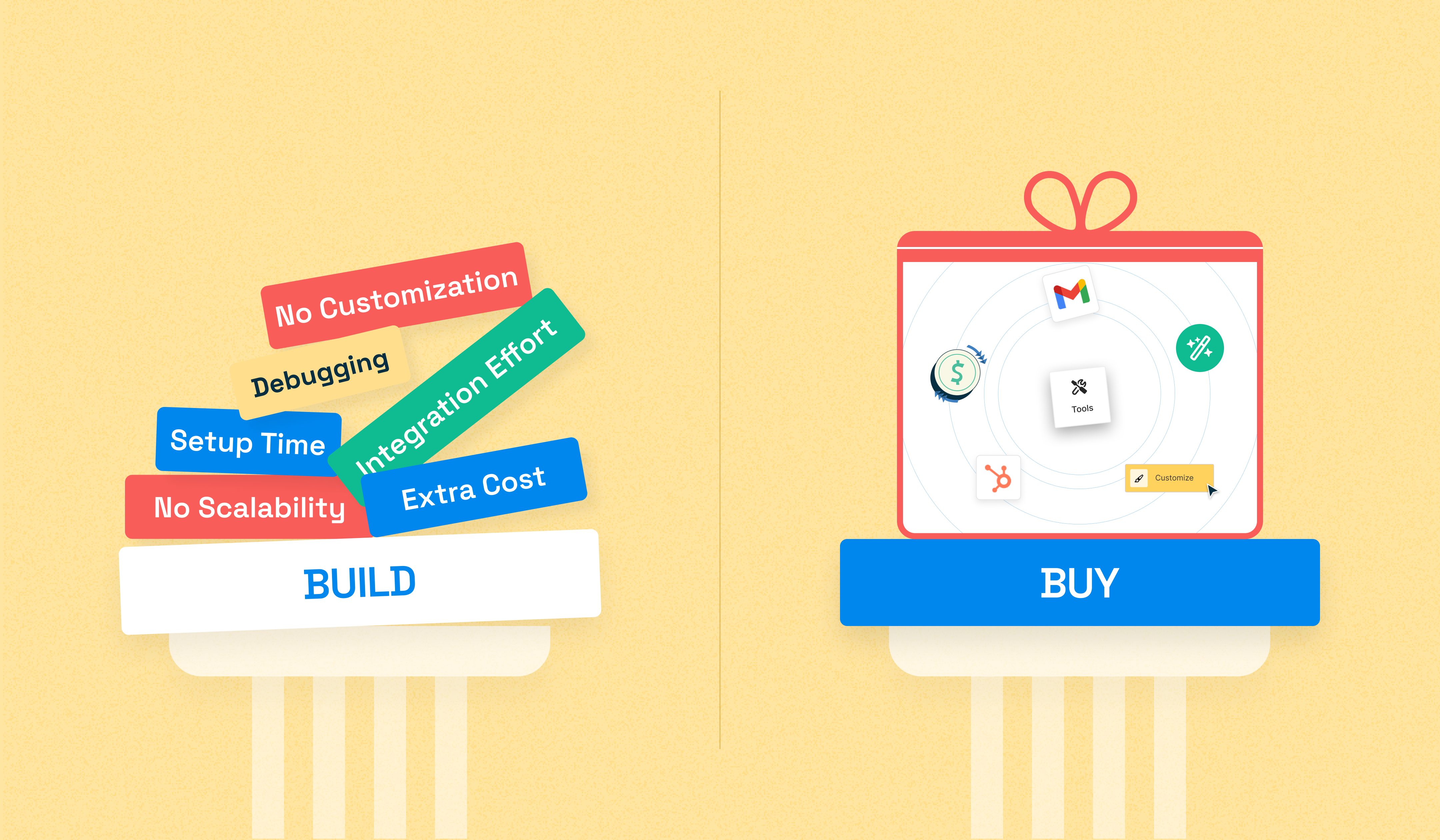
Deciding between building or buying an embeddable content builder is a pivotal choice for SaaS platforms aiming to create a strong digital content footprint.
Why does it matter so much?
Because in today’s competitive landscape, digital content isn’t just a marketing asset—it’s a growth engine. SaaS companies need to consistently produce high-quality, branded content to boost visibility, engage users, and stay ahead of competitors.
A powerful content builder, such as a no-code tool, can empower your teams to create emails, landing pages, and other assets quickly and at scale, without depending heavily on engineering resources. To learn more, check out our comprehensive guide on no-code builders for SaaS.
But the question remains: should you build one from scratch or invest in a ready-made solution?
This infographic breaks down the key considerations in the build vs. buy decision, covering time, cost, scalability, maintenance, and more. It is backed by real-world stats to help you choose the path that best aligns with your goals and resources.
When integrating a content builder into your product—whether you’re building it in-house or embedding a third-party solution—it’s crucial to evaluate a wide range of features in tandem, not in isolation.
From customization options and developer flexibility to user experience, performance, scalability, and support for modern content types, every feature plays a role in how well the builder aligns with your product vision and business goals.
Choosing the right fit isn’t just about ticking boxes—it’s about enabling your users to create engaging, on-brand content effortlessly, while keeping your development and support costs in check.
Here's a quick side-by-side breakdown to help you evaluate both options:
Feature | Open-Source Builders | Embeddable Content Builders |
Setup Time | Requires hosting, security setup, and development time (months & years) | Quick integration (within minutes) |
Time to Market | 6–12+ months for MVP | Ready to integrate in minutes |
Integration Effort | Complex, requires dev time for APIs and CRMs | Pre-built integrations and embeddable UI |
Customization | Fully customizable but requires ongoing dev effort | API-first with white-labeling, custom tools, and custom blocks |
Security & Compliance | You handle security updates, GDPR/ISO compliance | Enterprise-grade security and built-in compliance |
Email Rendering | Testing & debugging needed to ensure cross-client compatibility | Pre-tested templates for consistent rendering and live preview mode to pre-test emails for different screen sizes |
Scalability | Requires infrastructure planning and scaling efforts | Cloud-based with auto-scaling |
Maintenance & Updates | You manage updates, bug fixes, and new features | Regular updates and improvements included |
Support | Community-driven with variable response times | Dedicated support team with faster issue resolution |
Risk | Higher risk of delays, overruns, or tech debt | Lower risk; proven, stable solution |
Team Resources | Requires a dedicated product/dev team | Minimal dev resources needed |
Understanding the true cost of custom development is crucial. From simple apps to full-scale platforms, the price climbs quickly with complexity. The more integrations, features, and platforms you support, the steeper the investment.
Here's a breakdown to help you estimate the cost—and why complexity is the biggest price tag driver.

On the other hand, purchasing a pre-built solution often involves lower upfront costs, typically through subscription models ranging from free to over $500/month. (Source: Zapier)
Note: SaaS content builder solutions offer an intuitive drag and drop interface, advanced customization options, and seamless integration with host applications, CRMs, ESPs, tracking tools, etc.
Winner 🏆: Embeddable Content Builder
🚀 Building in-house often requires 6 to 12 months before deployment. (Source: Keap Case Study)
🚀 Buying off-the-shelf lets you quickly deploy a no-code building solution within minutes.

🔧 Building in-house consumes up to 40% to 80% of the total software development cost.
(Ongoing maintenance includes updates, bug fixes, etc.) (Source: O’Reilly Media)

🔧 Buying off-the-shelf reduces internal resources required for these tasks because a white-label solution provider typically handles maintenance and support.
⚙️ Building in-house offers tailored solutions that align precisely with your business needs but may lack the broad feature set of commercial products.
⚙️ Buying off-the-shelf provides a comprehensive range of features like:
Drag and drop interface
Advanced customization options like appearance, themes, layout, custom JS/CSS
To extend the functionalities of the editor at a fraction of the cost of building them in-house.
So, after going through all of this, how do you decide what's right for you?
Here’s a quick comparison of when it makes sense to build from scratch—and when buying an embeddable solution is the smarter move:
You have a dedicated engineering team ready to build and maintain the content builder.
You need full control over every aspect of the editor.
You’re comfortable managing security, compliance, and hosting.
You need a play-and-plug solution that integrates quickly.
You prefer a tool that has already been tested for reliability and compliance.
You want your team to be focused on the product, not maintaining an email/page builder.
After seeing the comparison and numbers, it might have become easier for you to make a decision on whether to build or buy an embeddable content builder. Obviously, both have their own perks.
Building a custom content builder offers tailored solutions, but it demands significant time, financial investment, and ongoing maintenance.
Conversely, purchasing an off-the-shelf solution like Unlayer's no-code builder provides a quicker, more cost-effective path with comprehensive support, allowing you to focus on your product and its core competencies.
Ready to make the move?
Start Your Free Trial – Experience Unlayer’s powerful editor!
Book a Demo – See Unlayer in action! Get a personalized walkthrough and proof of concept.
Insights on email design, content creation, and developer productivity.
Build localized React order-confirmation emails with Unlayer Elements. Use English and German catalogs, format EUR amounts, preview the layout and send with Resend.
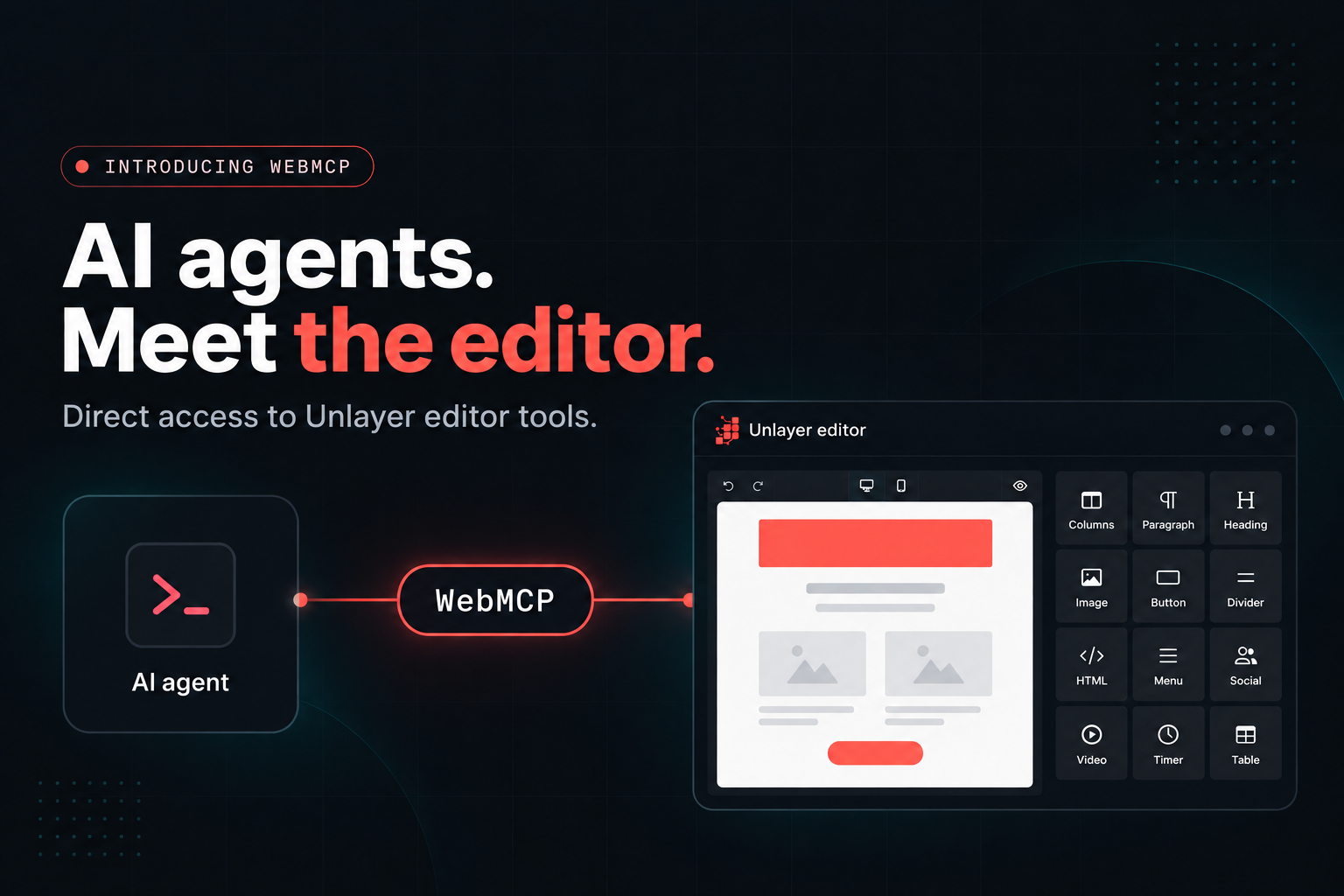
- Unlayer Builder 1.519.0+ gives AI agents direct access to the builder through WebMCP or unlayer.agent. - Agents can understand the editor, read and modify designs, validate changes, preview them, and export HTML. - Valid agent changes appear directly on the canvas, can be undone, and work with existing autosave and audit flows. - WebMCP support is enabled by default, while unlayer.agent works for agents that can execute JavaScript in the page. - WebMCP browser support is still limited, with Chrome and Edge available through origin trials and some agent browsers supporting it independently.
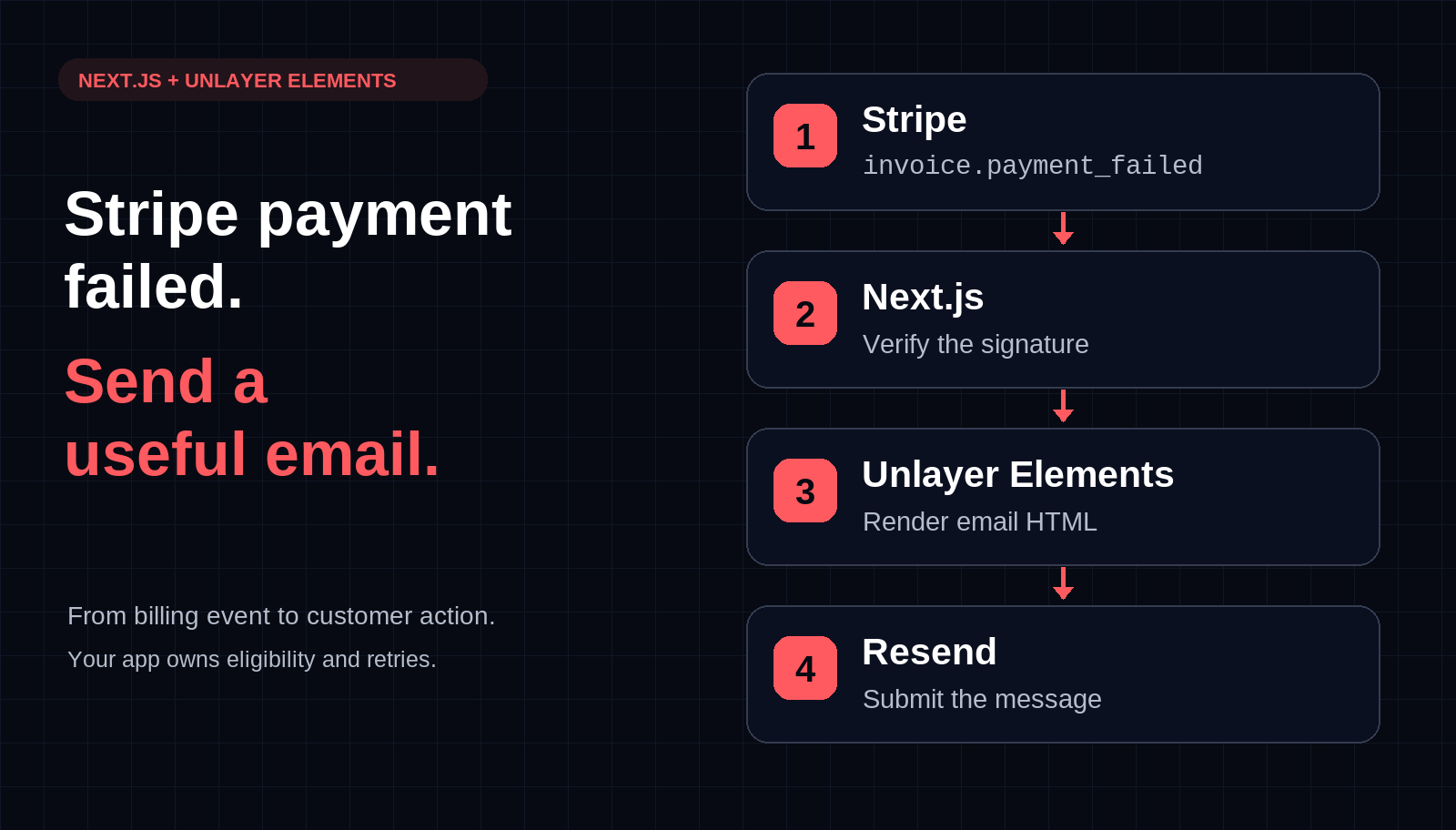
Build a Stripe payment-failed email webhook in Next.js with Unlayer Elements and Resend. Preview the message, verify signatures, and plan bounded retries.