
Unlayer Enterprise: Your Guide to Embeddable Tech at Scale
An in-depth Enterprise-focused overview of choosing an embeddable builder built for compliant workflows, flexible deployment, & fast team-wide content creation.

For early-stage teams, keeping costs lean is a smart approach. However, as you grow, with more users, templates, and complex workflows, the balance starts to shift.
That’s usually when one question starts echoing across Slack threads: “Is it time to upgrade our Unlayer plan?”
The right builder plan doesn’t just unlock extra features; it reshapes how your team designs, collaborates, and scales. What began as a lightweight setup for speed can start feeling like a constraint once your audience, campaigns, and integrations expand.
For developers, product managers, and SaaS teams, this guide is about spotting that turning point early, before inefficiencies, limited control, or developer overhead slow your momentum.
Because scaling isn’t just about building more, it’s about knowing when to level up.
The Free tier is exactly what it says: a “forever free” entry-level plan that lets you get started with Unlayer without any cost. According to Unlayer’s pricing page: “Start Free, Upgrade Anytime.”
Email Builder, Page Builder, Popup Builder, and Document Builder.
Core no-code design tools, drag-and-drop interface, and basic usage.
This tier is ideal for early-stage teams or individual projects where you don’t yet require advanced customization, large-scale collaboration, or white-labeling.
Once you’ve outgrown “basic”, Unlayer offers three progressively capable self-serve paid plans: Launch, Scale, and Optimize.
Here are the key features of each:

Everything in Free, plus: White-Labeling, Font Management, Custom Storage, Custom Tools, Link Types, Localization, Image Editor, Mobile Design Mode, Cloud API, Premium Tools.
This tier is designed for teams seeking greater control over branding and basic embed/integration capabilities.

Everything in Launch, plus: Custom Blocks, AI-assisted Writing, Audit Tab, Team Collaboration, Built-in Themes, Header & Footer, Custom Image Library, Smart Merge Tags.
Suitable when your team is growing (with multiple users/designers/marketers), you need collaboration and audit workflows, as well as richer design customization.

Everything in Scale, plus: Custom Themes, Custom CSS, Custom Tabs, AMP support, Inbox Previews, Synced Blocks.
This tier is designed for organizations with more sophisticated content workflows, deeper embedding/customization, multi-tenant SaaS environments, and stricter brand/design governance.
These self-serve tiers provide a clear “growth ladder” of capabilities.
The key decision for a SaaS/product team is: when does the cost of staying on a lower tier (in terms of missing features, inefficiencies, branding gaps) exceed the incremental cost of upgrading?
Related: Unlayer Enterprise vs Self-Serve: Key Differences Explained
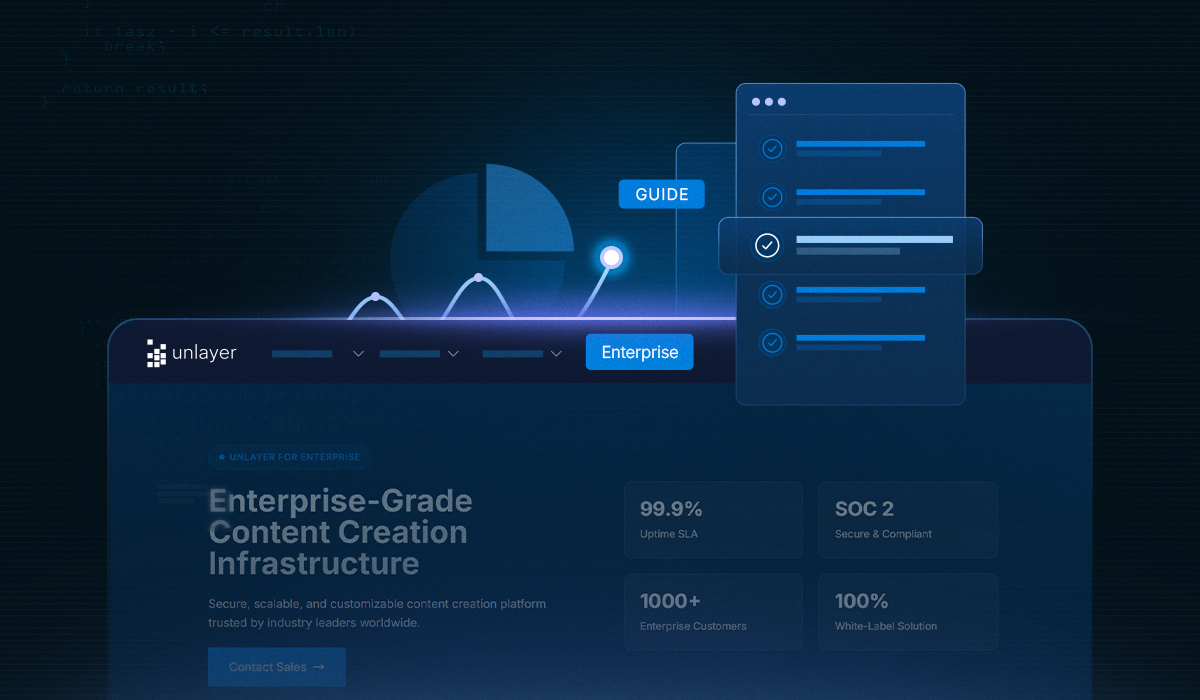
Beyond the self-serve tiers, Unlayer offers an Enterprise or “custom” plan, which is tailored for large organizations, regulated industries, or SaaS platforms embedding the editor as core to their product.

Includes all features from the Optimize tier plus enterprise-grade enhancements: Brand Style Guide, Custom OpenAI Connector, and Multi-Language Templates.
Deployment flexibility: Cloud + Private Cloud + On-Premise/Offline options.
Security & compliance: SOC 2, audit logs, uptime SLAs, dedicated CSM, migration/training support.
Pricing is custom: you contact Unlayer sales to build a solution tailored to your size, workflow, compliance, and embedding requirements.
Therefore, the Enterprise label here implies full flexibility, deeply embedded integration, strong branding/white-labeling, internal governance, and extensive user base support.
👉 Contact Unlayer Sales to build a plan that scales with your product.
Each of the paid self-serve tiers offers a 14-day free trial.
There is a yearly billing option with ~10% savings.
For enterprise customers, especially, pricing is negotiable and can depend on a number of factors such as deployment complexity, branding/customization, compliance requirements, etc.
While self-serve tiers are well-defined, the Enterprise plan delivers full architectural flexibility. From hosting preferences to advanced security and branding controls, it adapts to your tech stack, rather than forcing you to adapt to it.
Every startup eventually hits a ceiling, not because it stops growing, but because its tools fail to keep pace.
The early wins from agility and affordability can turn into growing pains once scalability, compliance, or collaboration issues arise.
Unlayer is built to evolve with you, not hold you back. But knowing when to upgrade your Unlayer plan means spotting the signals early, before you start losing hours to design bottlenecks or security workarounds.
Here’s how to recognize the right moment across the dimensions that matter most:
When your startup grows into a cross-functional team with designers crafting layouts, marketers running campaigns, and developers embedding logic, coordination becomes everything.
If feedback starts living in random Slack threads or you find two teammates editing the same template at once, you’ve outgrown the basics.

Upgrading to Unlayer’s Scale, Optimize, or Enterprise plan introduces team collaboration, role-based access, and audit capabilities, ensuring everyone works in sync without stepping on each other’s designs.
Think of it as moving from “shared workspace chaos” to a structured creative hub where accountability, version history, and approval flows are built in.
As your product starts landing more users, your editor becomes an extension of your brand, not just a tool within it.
If your templates start looking off-brand or your users request design flexibility that your current plan can’t accommodate, it’s time to consider Unlayer’s paid plans.
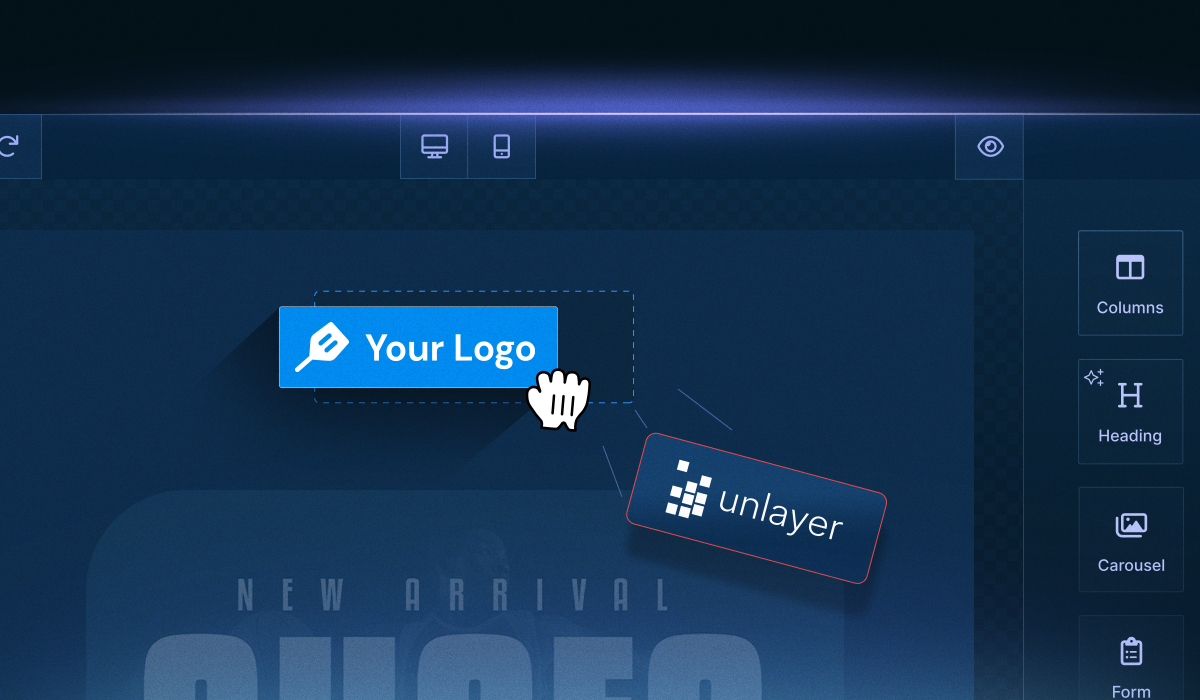
These tiers unlock white-labeling, custom themes, CSS control, and brand style guides, as well as the ability to fine-tune the editor’s appearance, behavior, and content settings, so it feels completely native to your app.
The result?
A seamless, branded editing experience your users will recognize as truly yours. An actual win-win scenario for you and your customers.

Source: Pinterest.
Startups love speed, but scaling products thrive on integration. If your editor needs to talk to more of your ecosystem (databases, APIs, CRMs, analytics tools), your plan should support that too.
When you find yourself wishing for more hooks into Unlayer or want to extend the editor with custom tools, server-side rendering, or custom exporters, that’s your cue to move up.
The Launch and Scale tiers already open access to Cloud API, custom tools, and link types, while Enterprise gives you SDK-level control and deployment freedom.
💡 Note: Essentially, you stop adapting your workflow to fit the editor and start making the editor fit your workflow.
As your customer base grows, so does your responsibility to safeguard their data and comply with industry standards.
If your legal or IT team starts asking about GDPR compliance, audit logs, or private cloud hosting, the Enterprise plan was built exactly for that. It adds SOC 2, SLAs, private or on-premise deployment, and a security-first architecture trusted by enterprise SaaS companies.
This is where Unlayer shifts from being your builder to becoming part of your infrastructure, compliant, controlled, and enterprise-ready.

When you’re sending a few marketing emails, even the Free or Launch plans can feel like magic. But as your campaigns evolve into personalized, multi-language, and multi-tenant operations, you need more muscle.
If you’re managing hundreds of templates across regions or want to ensure brand consistency across teams, Optimize or Enterprise brings the right toolkit: AMP support, inbox previews, synced blocks, and brand governance.
It’s like switching from spreadsheets to a content CMS; everything scales, stays on-brand, and performs predictably, regardless of how complex your campaigns become.
At some point, you might just stop using Unlayer and start building on top of it. That’s when having a dedicated customer success manager becomes invaluable.
If you’re deploying Unlayer across products, handling migrations, or need guaranteed uptime and guidance, the Enterprise plan gives you priority support, a dedicated Customer Success Manager (CSM), and white-glove onboarding.

Because when you’re scaling fast, even small implementation delays or unanswered tickets can cost big. Upgrading ensures your team has expert backup every step of the way.
As your product matures, the signs that it’s time to level up don’t appear all at once; they build quietly across teams, tools, and workflows.
To make it easier, here’s a quick checklist to help you spot when it’s the right moment to upgrade your Unlayer plan.
Dimensions | Signs You’ve Outgrown Your Current Plan |
Team & Collaboration | You’ve added more designers, marketers, or developers and need roles, approvals, or audit trails. |
Branding & UI Control | Your editor feels disconnected from your product’s look and feel, or you want full white-labeling and custom themes. |
Integration & Extensibility | You’re building deeper API workflows, custom tools, or need tighter embedding within your SaaS architecture. |
Security & Deployment | Your organization requires private cloud, on-premise hosting, SOC 2 compliance, or strict uptime guarantees. |
Content Scale & Complexity | You’re managing high-volume emails/pages or need advanced features like AMP, synced blocks, or multilingual templates. |
Support & Service | Your team expects priority support, migration help, or a dedicated Customer Success Manager. |
Upgrading too soon or waiting too long can both hinder your progress in different ways.
The goal isn’t to rush into a higher plan, but to recognize the true cost of staying put when your workflow starts to outgrow your tools.
Jumping to a higher tier before you truly need it can divert resources from refining your core product experience or expanding essential integrations.
If your team isn’t yet fully utilizing collaboration tools, audit logs, or advanced APIs, you may not be extracting the full value from the upgrade. It's therefore smarter to optimize your current setup before upgrading.
Tip: Track usage patterns in terms of template volume, API calls, and team activity, to know when you’re close to hitting the limits of your current plan.
Staying in a lower tier for too long can quietly pile up costs in less obvious ways.
When designers can’t collaborate within the editor or your product lacks white-label polish, it’s your user experience that pays the price.
Delays in scaling capabilities can also lead to missed opportunities, especially when you’re embedding Unlayer as part of a growing SaaS platform.
Migrating workflows, templates, and permissions at scale can be smoother with proper timing.
Waiting too long may mean redoing integrations, reconfiguring APIs, or retraining your team under pressure. Upgrading proactively helps you transition smoothly and maintain momentum.
Related: 7 Hidden Costs of Building an In-House Email & Page Builder
The best upgrade isn’t the earliest one; it’s the one that aligns with your growth curve.
Unlayer’s tiered plans are designed exactly for that: so you can scale gradually, not abruptly, with a clear path from Launch to Enterprise.
👉 Compare Plans on Unlayer and find the right path to scale on your own terms.
There you have it. A clear look at how to recognize the right moment to upgrade your Unlayer plan.
Because knowing when to upgrade isn’t about chasing features; it’s about aligning your tools with the stage your product has reached.
Unlayer is built to evolve with you from the very first embedded editor to a fully enterprise-ready infrastructure with robust APIs, brand style guides, advanced customization options, and deployment freedom.
Its real strength lies in its developer flexibility: you can start lean, experiment fast, and then expand when collaboration, compliance, or customization becomes essential.
Not necessarily. If your product’s editor requirements are still simple, like a few templates, minimal collaboration, and limited branding control, the self-serve tiers may serve you perfectly.
However, if your single product is growing rapidly or serving multiple customer segments, an upgrade can help you scale smoothly without requiring technical rework later.
Yes. Unlayer’s pricing model is designed for flexibility. You can upgrade or adjust your plan as your usage evolves. For enterprise migrations, the Unlayer team provides guided onboarding, template migration, and custom deployment support to ensure zero downtime.
A good indicator is when your team isn’t using collaboration tools, audit logs, or custom integrations that come with your current tier. Regularly reviewing feature adoption can help you determine whether to stay with the current plan, scale up, or optimize your usage within the same plan.
Yes, for Enterprise customers. Pricing can be tailored based on your user volume, hosting preferences, compliance needs, and integration complexity. Long-term agreements often include cost benefits, priority support, and roadmap alignment with your product goals.
Absolutely. Every paid tier comes with a 14-day free trial, so you can test the features, integrations, and customization depth before committing. It’s a great way to validate what scaling with Unlayer actually looks like for your product.
Insights on email design, content creation, and developer productivity.
An in-depth Enterprise-focused overview of choosing an embeddable builder built for compliant workflows, flexible deployment, & fast team-wide content creation.
A detailed guide on how Unlayer, a white-label builder for agencies, streamlines SMB marketing, boosts revenue, and simplifies client content creation.
Unlayer enterprise integration made simple with clear steps for embedding, customizing, and managing content across SaaS and on-premise platforms.