
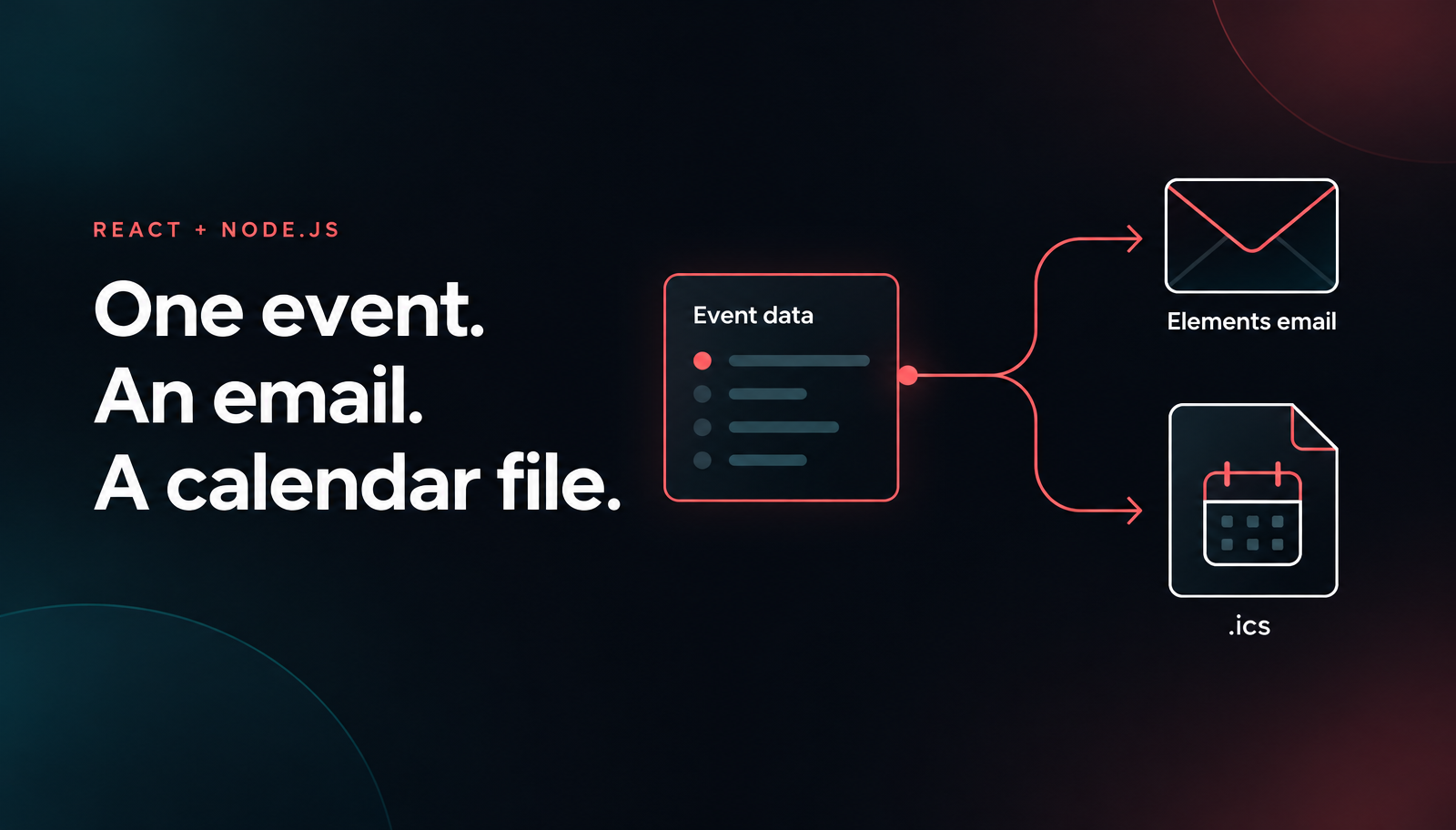
Node.js Email Calendar Invite with React and Nodemailer
Build a Node.js email calendar invite with React, Unlayer Elements, ics and Nodemailer. Preview the confirmation and ICS file, then opt into SMTP sending.

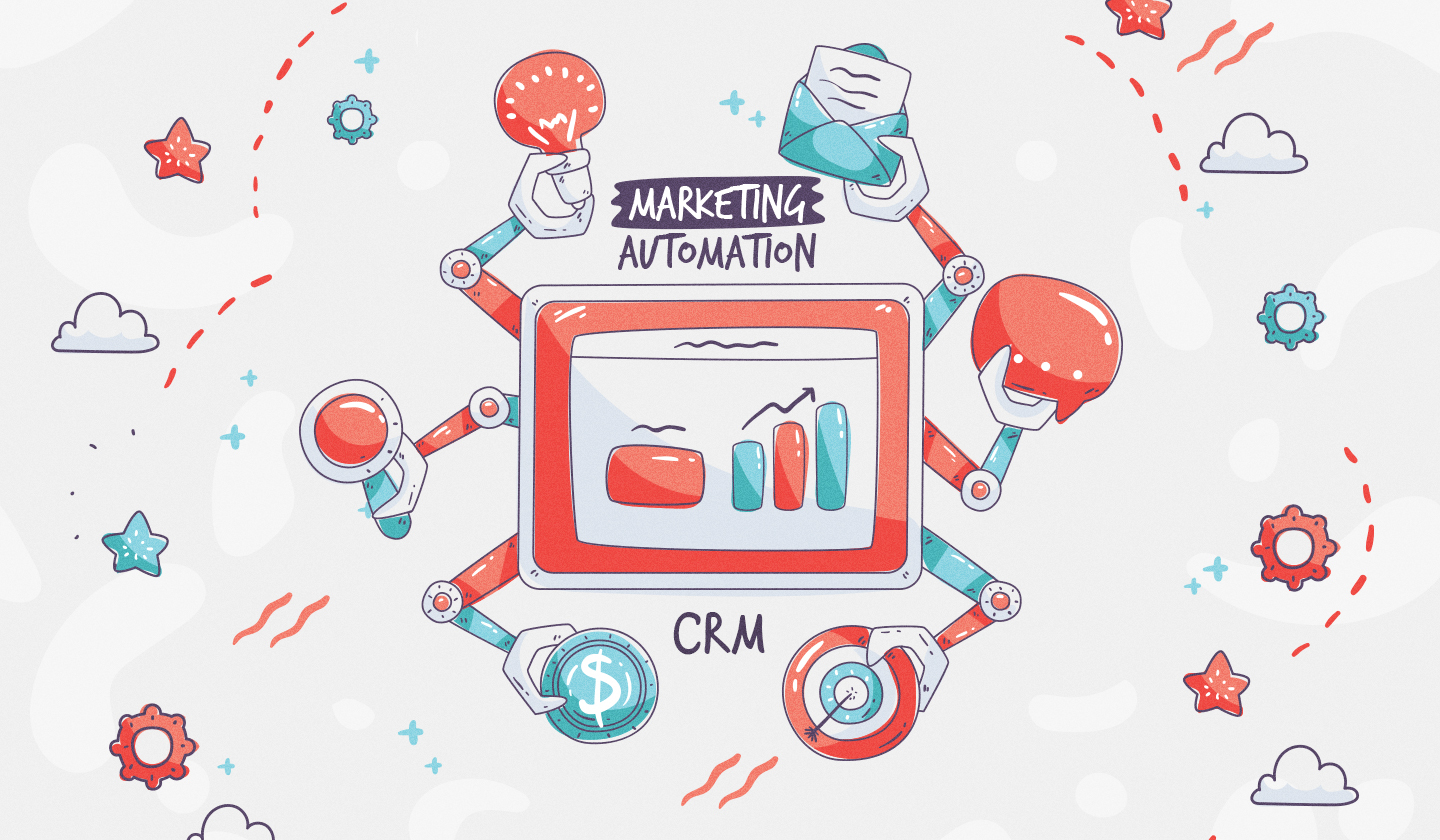
73% of the global customers expect more personalized, dynamic content delivered to them.
Whether it’s a tailored email, an automated follow-up, or a custom landing page, brands that personalize their marketing outreach consistently see higher engagement, conversions, and retention.
To meet this growing demand, CRMs and marketing automation platforms are evolving fast. However, there’s one major shift, i.e., the integration of embeddable content builders.
These are drag and drop editors that empower end-users, a.k.a. marketers, to create rich, responsive emails and pages directly within the tools they already use.
If you are thinking of adding a visual email builder to your platform, we have covered a comprehensive guide on no-code builders for SaaS to help you evaluate everything before you choose one.
In this blog, we’ll break down the key differences between CRMs and marketing automation tools, show how they work together, explore top platforms that combine both, and highlight how embedded builders help marketers create content faster, with more flexibility and less reliance on developers.
A Customer Relationship Management (CRM) system is a software tool that helps you manage and nurture relationships with leads and customers.
Its core purpose is to store customer data, manage interactions, and support sales and service teams in tracking every touchpoint throughout the customer journey.
Whether it’s logging emails, scheduling sales calls and follow-ups, or tracking deals in a pipeline, CRMs ensure that no such opportunity falls through the cracks.
Sales tracking and pipeline management
Lead capture and qualification
Storing and organizing customer data
Task reminders and follow-up automation
Customer segmentation for targeted outreach
Some of the most widely used CRMs include Salesforce, HubSpot CRM, Zoho CRM, and Pipedrive, each offering varying degrees of customization and integrations based on business needs.
Marketing automation refers to software designed to automate repetitive marketing tasks and streamline communication across the customer journey.
Its main goal is to help marketers scale personalized marketing campaigns, nurture leads effectively, and improve efficiency, without needing to manually manage every interaction.
Automated email workflows (e.g., welcome series, cart recovery, etc.)
Lead scoring based on engagement or profile fit
Multichannel marketing campaign management
Behavioral triggers and conditional logic
Analytics and performance tracking for optimization
Popular marketing automation tools include ActiveCampaign, Marketo, Brevo (formerly Sendinblue), and Mailchimp. Each platform offers robust automation capabilities suited for businesses of all sizes and goals.
CRM and marketing automation tools are often used together and even bundled into one platform, but they serve different purposes in the customer journey.
At the surface level:
Marketing automation tools are mostly used by marketing teams to attract, nurture, and qualify leads through targeted and scalable marketing campaigns through different channels, such as emails, articles, webinars, podcasts, web content, case studies, white papers, ebooks, testimonials, and social media content.
CRM tools are primarily used by sales and customer service teams to manage qualified leads, existing customer relationships, and close deals.
Here’s a quick breakdown:
Feature/Function | CRM | Marketing Automation |
Main Users | Sales & Customer Service | Marketing |
Primary Focus | Relationship Management | Lead Nurturing & Campaigns |
Core Activities | Contact tracking, pipeline management, follow-ups | Email automation, campaign tracking, lead scoring |
Timing | Post-lead generation | Pre-sale (top/middle funnel) |
Example Tools | Salesforce, HubSpot CRM | ActiveCampaign, Marketo |
CRM and marketing automation tools are mostly integrated to create a seamless, full-funnel view of the customer journey—from the first point of contact to long-term retention.
This integration allows your marketing and sales team to stay aligned, ensuring that leads don’t slip through the cracks and your messaging stays consistent at every stage.

Better lead visibility across teams
Faster handoffs from marketing to sales
Improved personalization using shared data
Higher conversion rates through timely follow-ups
Centralized reporting on customer interactions and campaign performance
Let’s say a user downloads an ebook from your website.
The marketing automation tool adds them to a welcome sequence and tracks their engagement.
Once they click on a pricing page or score high enough through behavior tracking, they’re automatically pushed to the CRM as a sales-qualified lead.
The sales team then gets notified and reaches out with a personalized pitch, armed with insights from the lead’s marketing activity.
If you're looking for platforms that combine CRM capabilities with powerful marketing automation and support content creation through embedded builders, these six tools stand out:

A true all-in-one platform, HubSpot offers everything you need, from a tightly integrated CRM to a complete marketing suite. From a single dashboard, you can store customer data, create workflows, score leads, perform marketing automation, and personalize content.
Growing teams that want ease of use and robust features without coding.
Drag and drop editor to create and send bulk emails that are optimized for different screen sizes and inboxes.
Paid advertisement to create personalized and targeted ad campaigns.
Live chat to connect with website visitors in real time.
Customizable popup forms.
Free email hosting, video hosting, and advanced list segmentation.
Analytics tools to track campaign performance.

Salesforce leads in CRM, and its integration with Pardot delivers enterprise-grade marketing automation. It includes content builder tools for email templates and landing pages, though setup and customization may require more technical skill.
Enterprise teams with complex sales funnels and customization needs.
Contact management for organizing important information about current and potential customers.
Integration with email, calendar, Slack, and customer service tools.
Customizable dashboards and reports to gain insights.
A/B testing to experiment with different content variations.
Analytics and ROI reporting to measure campaign performance and track ROI.
Artificial intelligence to predict customer behavior, recommend actions, and automate routine tasks.

Known for powerful automation and contact segmentation, ActiveCampaign seamlessly blends CRM and email marketing. Its built-in email designer makes it easy to create personalized campaigns without touching code.
Small to mid-sized businesses focused on behavior-based automation.
Cross-channel marketing through emails, SMS, and social media ads.
Content creation through a user-friendly editor.
Built-in automation for contact management, scoring leads, monitoring deals and pipeline, and tracking tasks.
AI-powered automation builder to create automated email and SMS campaigns.
A/B testing.
Analytics and reporting for getting insights into customer data.

Brevo combines essential CRM features with automation workflows and a drag and drop email builder. It’s user-friendly, budget-friendly, and ideal for multichannel campaigns (email, SMS, chat).
Cost-conscious teams that want multichannel support.
360° customer view to access comprehensive profiles combining contact details, communication history, and deal information.
Automated workflows to streamline repetitive tasks like follow-ups and meeting reminders.
Integrated phone system to make and receive calls directly within the platform, with features like call logging and recordings.
Built-in video conferencing capabilities.
Over 150 third-party tool integrations.

This duo offers deep integration as Zoho CRM handles sales tracking, while Zoho Campaigns manages emails and automation. The platform includes an embedded editor for campaign creation and list segmentation.
Businesses already using other Zoho products or looking for modular flexibility.
Trigger emails based on recipient actions, such as opening an email or clicking a link.
Automated workflows for onboarding, lead nurturing, and customer engagement.
Multi-source contact import to import contacts from various sources, including Zoho CRM and other integrated applications.
Segmentation to organize contacts into segments based on criteria like behavior, location, or engagement levels.
A/B testing to test different versions of your emails.
Real-time reports to monitor metrics like click-through rates, unsubscribe rates, and bounce rates.
Geolocation tracking to identify where your recipients are located to tailor future marketing and sales campaigns.

While conventionally known for email marketing, Mailchimp has added lightweight CRM and automation features. It includes an intuitive content builder and basic audience management tools, which are perfectly suitable for simpler use cases.
Small businesses and marketers looking to get started quickly.
Filterable dashboards and reports to help you identify trends and outliers in your campaign, channel, audience, and ecommerce metrics.
Customer Journey Builder automations to generate up to 4x more orders.
Pre-built automation templates for eCommerce, lead gen, or re-engagement.
Campaign performance dashboard to view opens, clicks, revenue, and more.
As the demand for personalized, on-brand, and fast-to-launch content increases, tools like CRMs and marketing automation platforms need to be more than just data hubs and email schedulers. That’s where embeddable content builders come in.
Embeddable content builders are plug-and-play components that are usually no-code editors and can be integrated directly into CRMs, marketing platforms, or any other SaaS products.
These builders offer complete customization flexibility for developers and let end-users create emails, landing pages, and forms without ever leaving the host application.
A popular example? Unlayer.
Read more: What Are Embeddable Editors & Why Do SaaS Platforms Need Them?

Non-technical users can create and launch campaigns quickly, right within the platform, saving time and reducing bottlenecks. Plus, the intuitive drag and drop interface of such editors drastically reduces design complexity.
Reusable content blocks ensure that all emails and pages align with your brand identity and guidelines across all your marketing campaigns.
Drag and drop interface of no-code builders allows end-users to create marketing campaigns within hours and not days, whether it’s a product launch, a seasonal sale, or a personalized nurture series.
Dynamic content blocks, conditional logic, and merge tags help tailor messaging based on user behavior or data from the CRM, all built visually.
Design once, reuse forever. Embeddable builders often include modular design systems, making it easy to scale your marketing campaigns without starting from scratch.
Engaging content like polls, carousels, or countdown timers is all created and customized within the builder itself.
As customer expectations grow, so does the need for tools that streamline and personalize the customer experience.
CRMs and marketing automation platforms are no longer just data trackers or schedulers. They have evolved into all-in-one ecosystems where strategy, execution, and automation come together.
And embedding content builders into these platforms is the next logical step. Therefore, if your CRM or marketing automation tool doesn’t have a no-code email and page builder yet, it might be time for an upgrade.
Ready to level up your marketing stack?
Try Unlayer’s embeddable builder to give your CRM or automation tool the content flexibility it needs—[Get started for free]
Insights on email design, content creation, and developer productivity.
Build a Node.js email calendar invite with React, Unlayer Elements, ics and Nodemailer. Preview the confirmation and ICS file, then opt into SMTP sending.
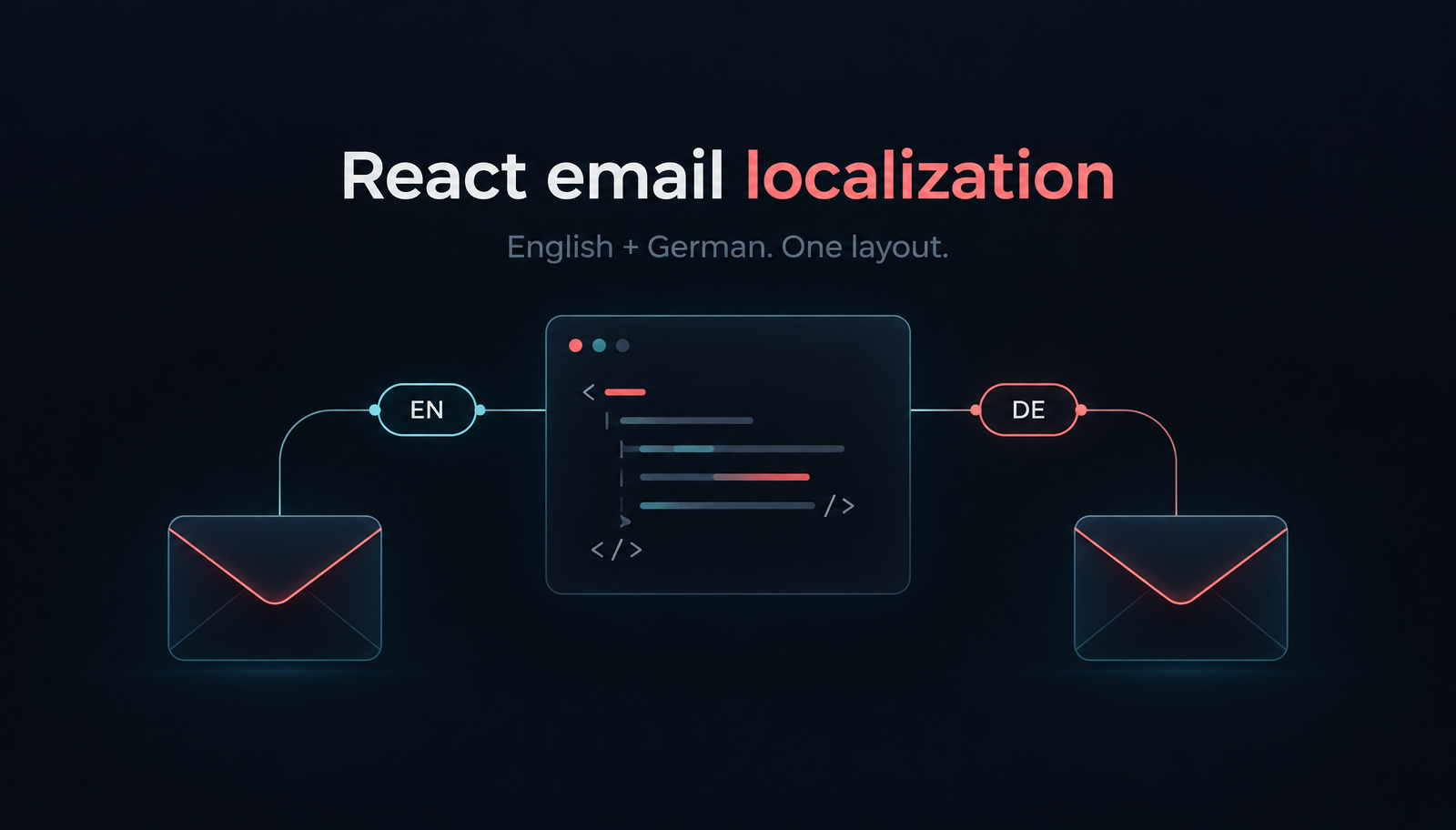
Build localized React order-confirmation emails with Unlayer Elements. Use English and German catalogs, format EUR amounts, preview the layout and send with Resend.
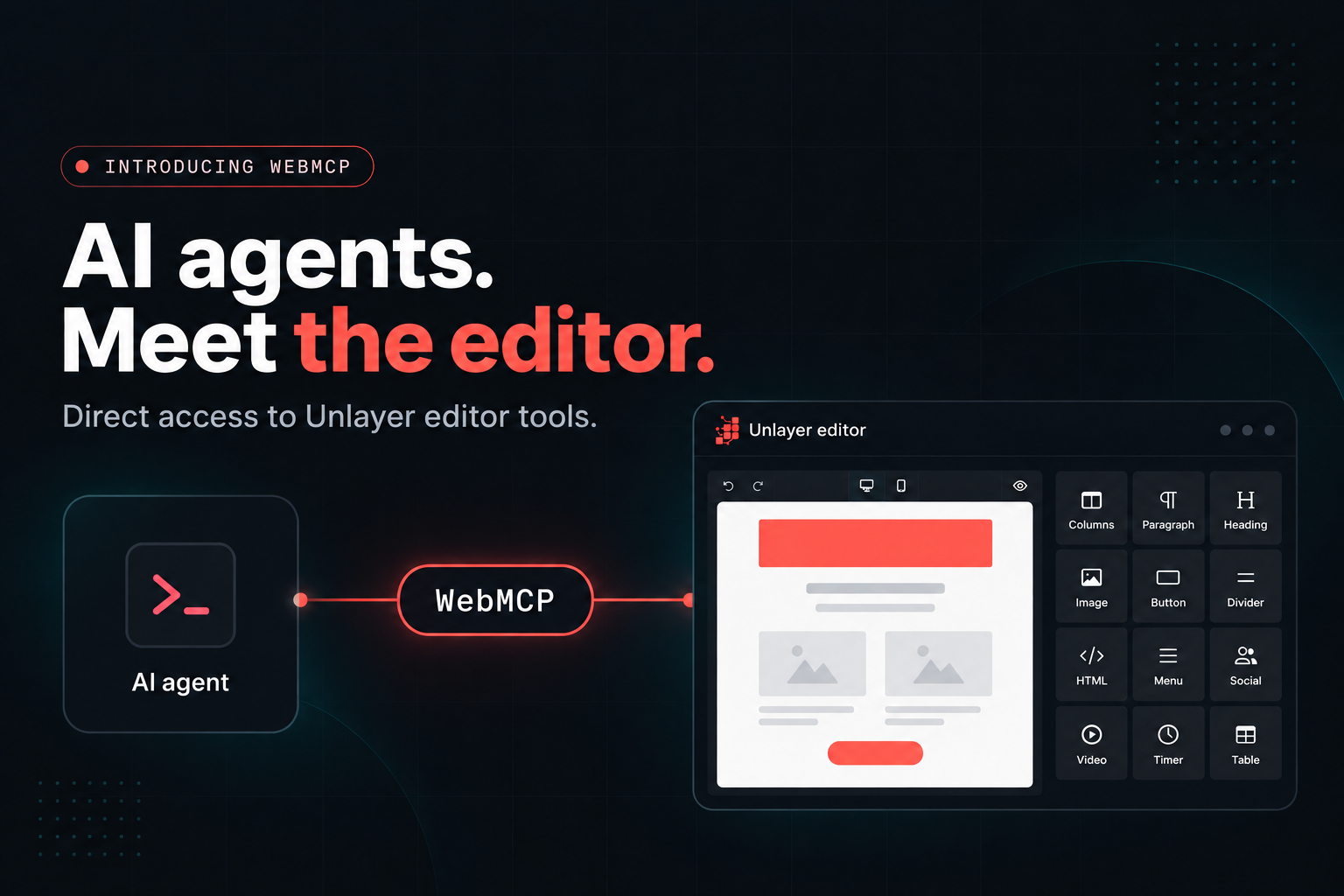
- Unlayer Builder 1.519.0+ gives AI agents direct access to the builder through WebMCP or unlayer.agent. - Agents can understand the editor, read and modify designs, validate changes, preview them, and export HTML. - Valid agent changes appear directly on the canvas, can be undone, and work with existing autosave and audit flows. - WebMCP support is enabled by default, while unlayer.agent works for agents that can execute JavaScript in the page. - WebMCP browser support is still limited, with Chrome and Edge available through origin trials and some agent browsers supporting it independently.